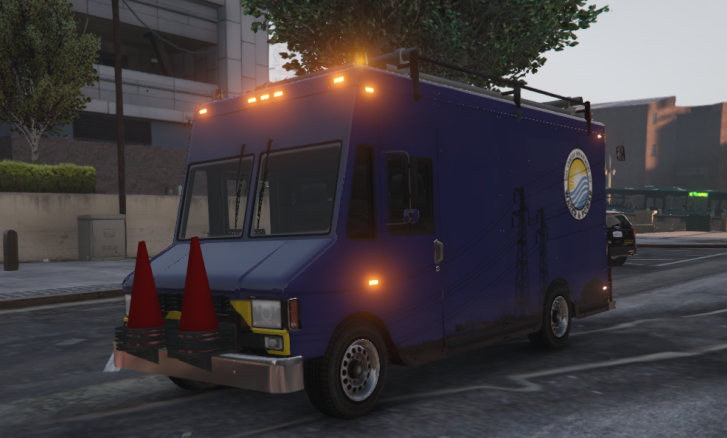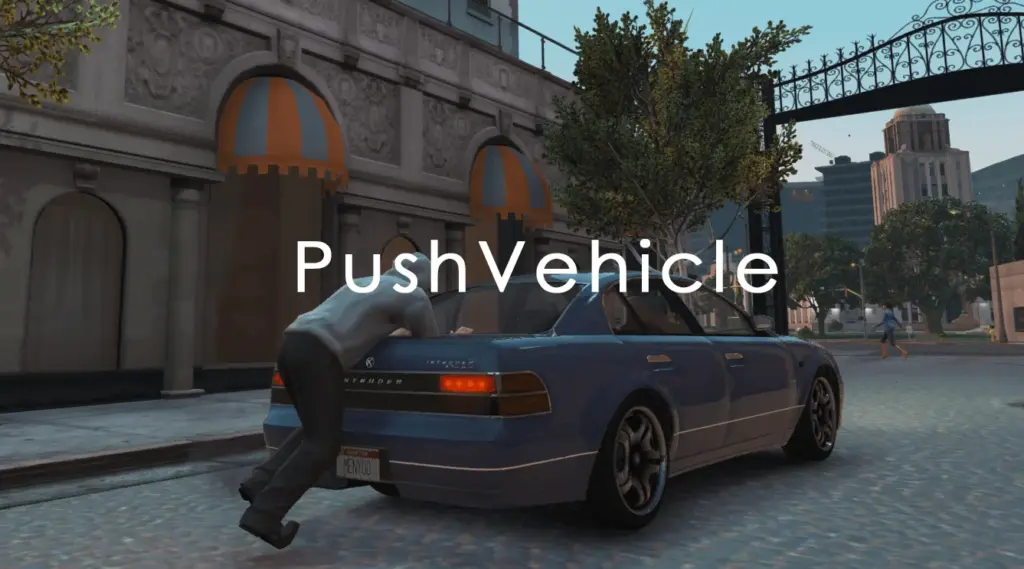
When the player is on foot and presses “Shift + E” next to a vehicle, the system activates. It automatically detects whether the player is in front of or behind the vehicle:
Front – pushes the vehicle backward
Back – pushes the vehicle forward
The player is positioned correctly, an appropriate pushing animation plays, and the vehicle is moved using GTA V’s physics engine.
Controls
Shift + E – Start/stop pushing
W – Push the vehicle
A / D – Steer the vehicle
Installation
Place PushVehicle.dll into your “scripts” folder.
Fully compatible with ScriptHookVDotNet3
Changelog:
Changes v1.2
– The character now positions itself better on the vehicle. (Does not work well on some modded vehicles)
– The animation will only move when you start pushing.
– The pushing speed has been slowed down for realism.
Credits:
wrieusa
Download mod
| File | File size |
|---|---|
 PushVehicle 1.2
 | 3 KB |