
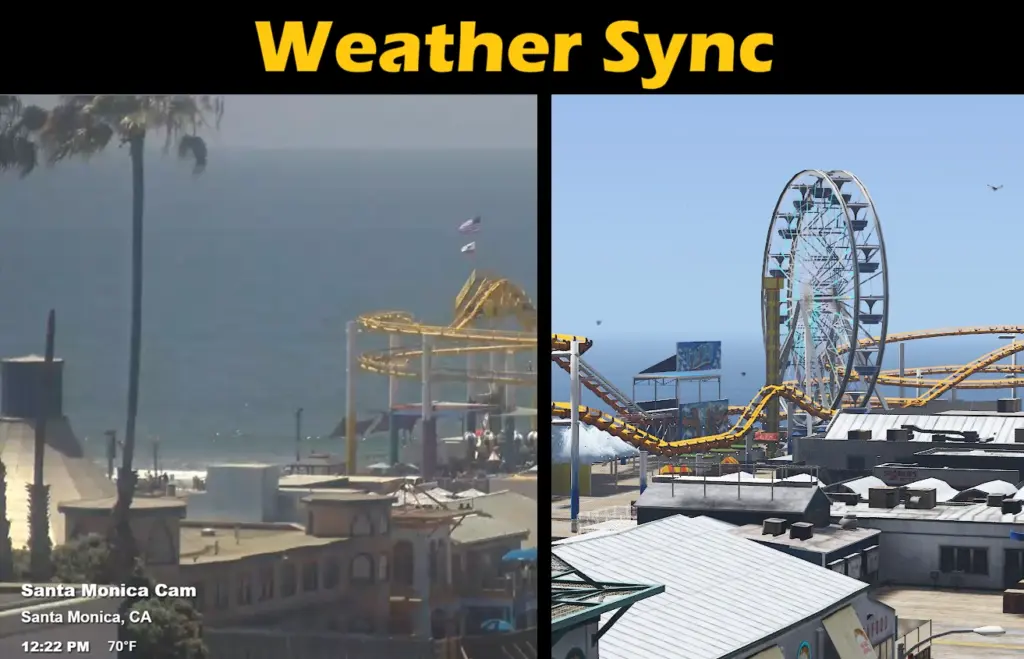
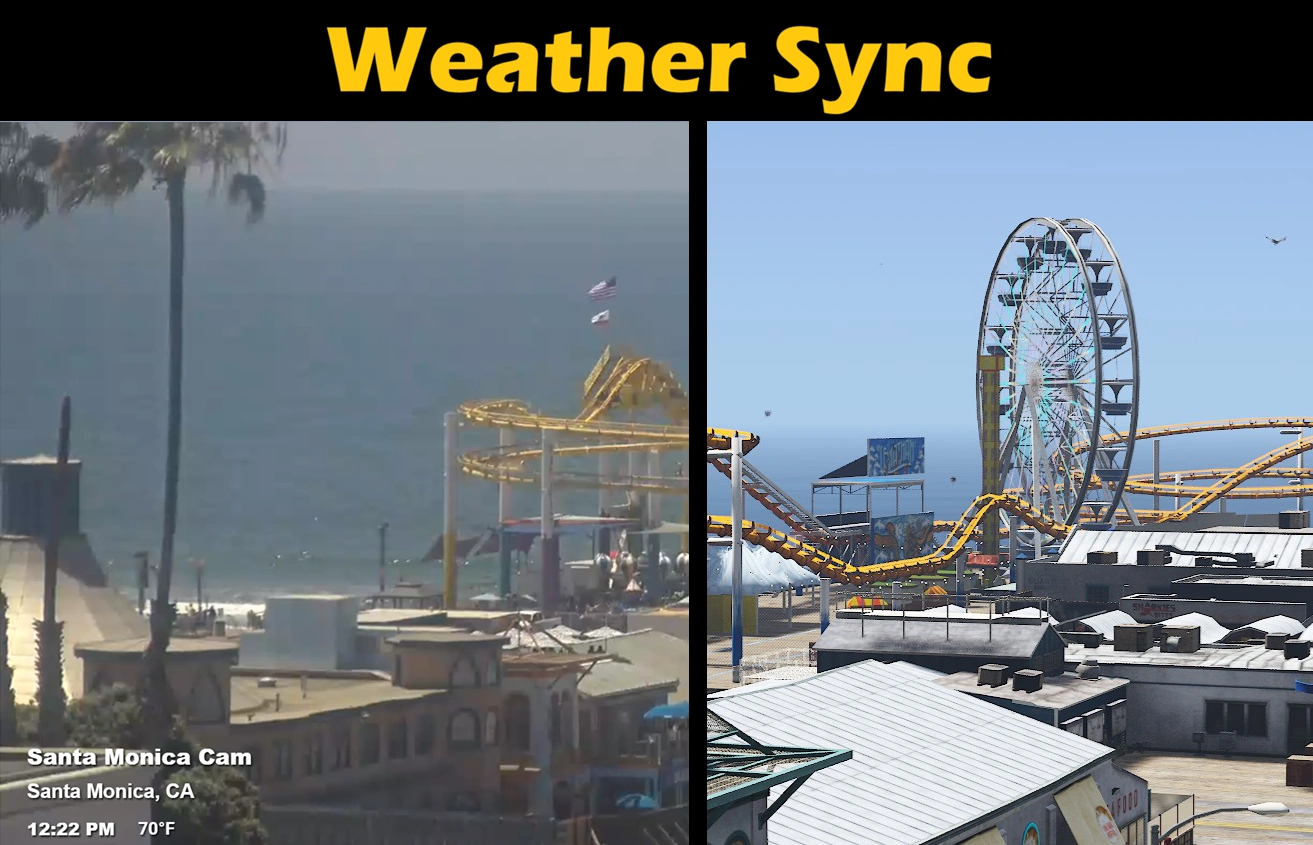
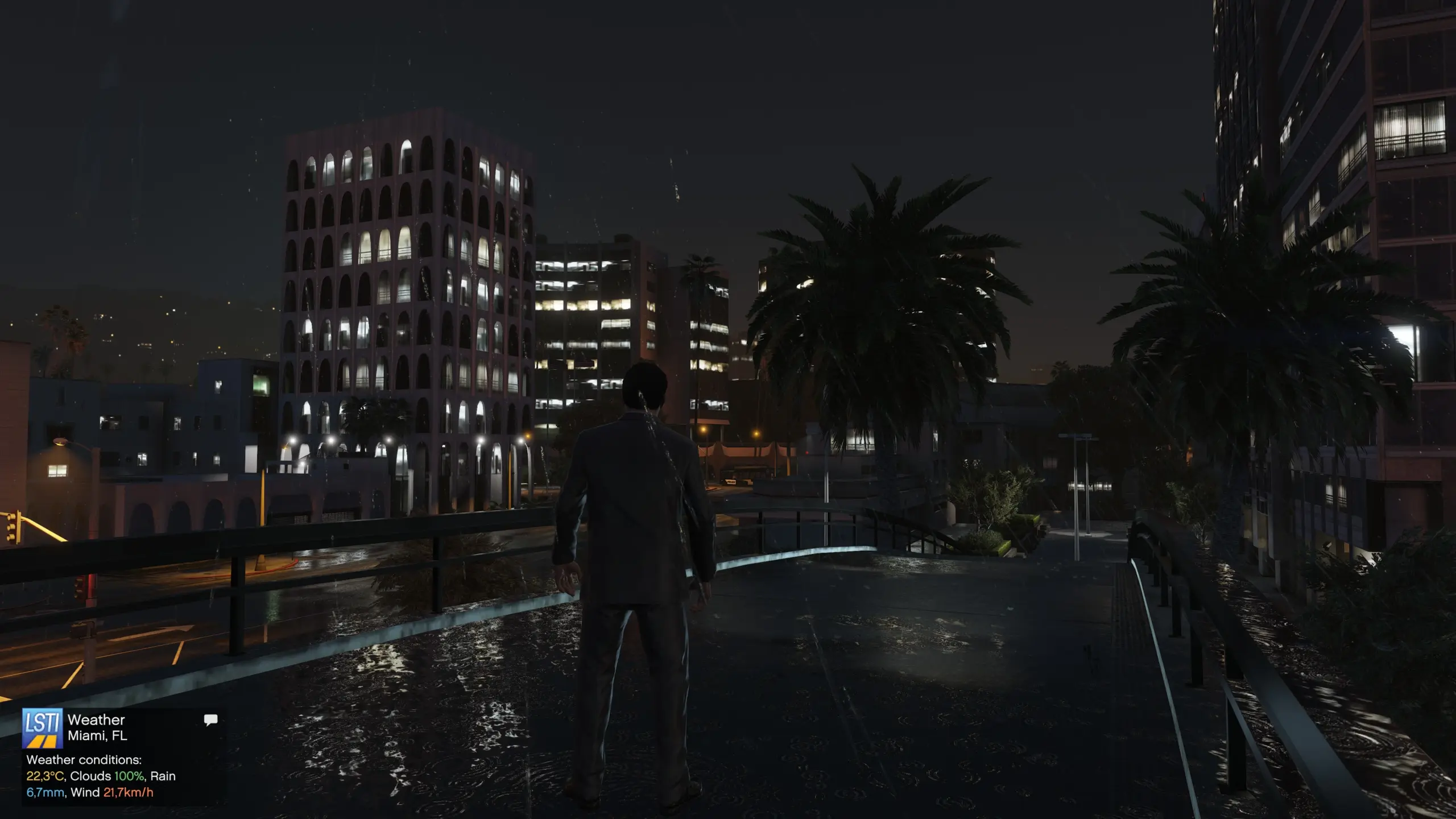
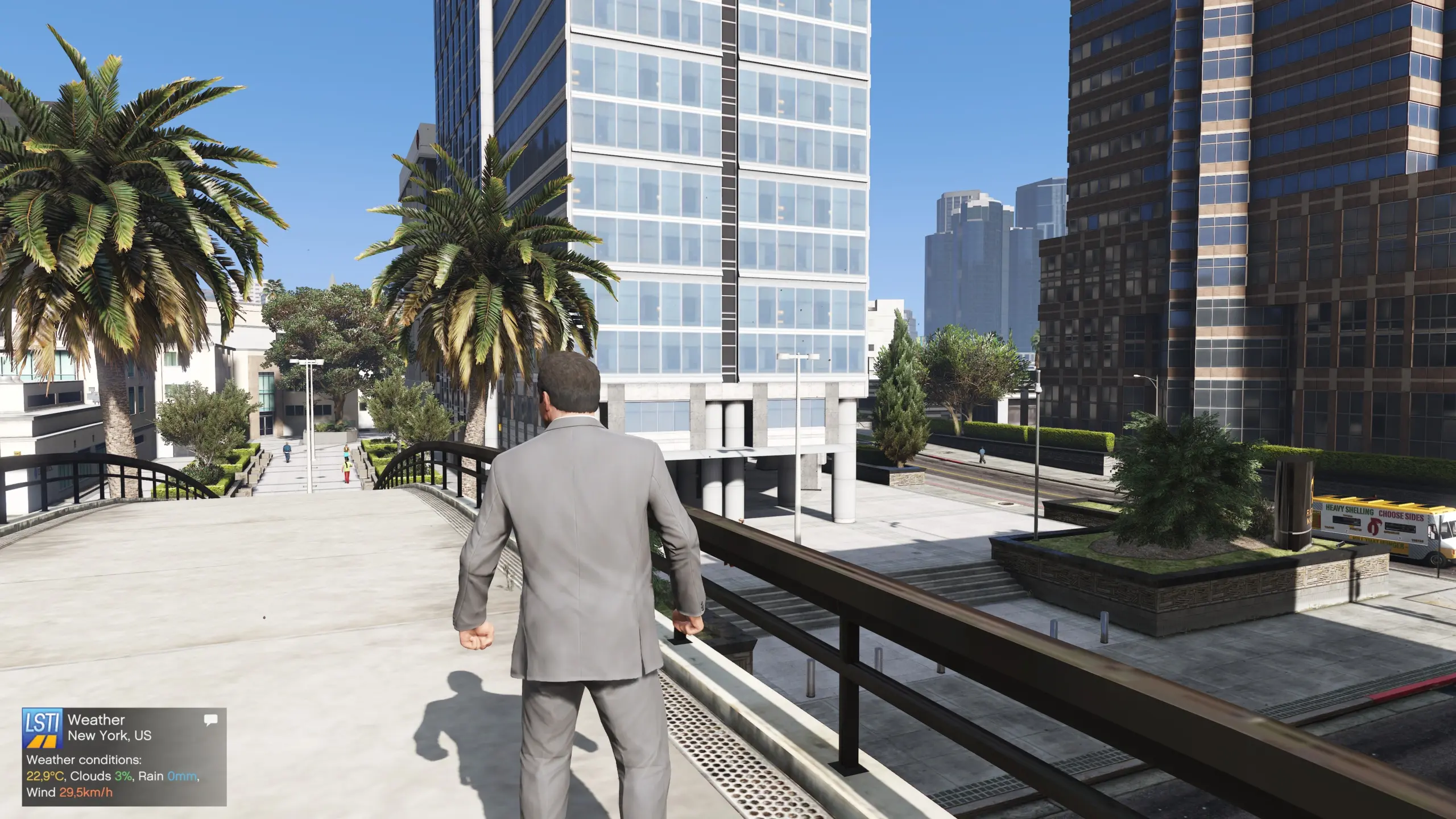
WeatherSync automatically detects your approximate real-world region using IP-based location lookup, checks the current weather for that area, and applies the closest matching GTA V weather type in-game.
The mod can also sync the in-game clock to real local time, use vanilla GTA time, or run a custom scaled GTA clock.
By default, WeatherSync uses AutoIP mode to detect your general city/region. This does not use GPS and does not get your exact address. If you prefer, you can disable AutoIP and manually set latitude/longitude in the INI file.
WeatherSync also includes mission-safe suspension, configurable hotkeys, manual weather refresh, clock mode switching, smooth weather transitions, and a weather summary notification.
Features:
Automatically detects your approximate real-world region
Syncs GTA V weather with real current weather
Syncs GTA V time with real-world local time
Optional manual latitude/longitude mode
RealWorld, Vanilla, and ScaledVanilla clock modes
Runtime clock mode switching
Configurable hotkeys
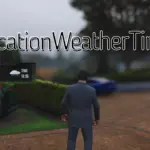
Weather summary notification
Smooth weather transitions
Optional snow handling
Mission-safe suspension to preserve Rockstar mission atmosphere
Refreshes weather after missions
UTF-8 support for city names with special characters
Default Controls:
Shift + F7 – Cycle clock mode
Shift + F8 – Refresh approximate location
Shift + F9 – Refresh weather
Shift + F10 – Toggle WeatherSync on/off
Shift + B – Show weather summary
All hotkeys can be changed in WeatherSync.ini.
Clock Modes:
RealWorld – GTA time follows real-world time for the selected location.
Vanilla – GTA handles time normally. Useful for missions or other mods that expect normal GTA time progression.
ScaledVanilla – GTA-style time progression controlled by the mod with a custom multiplier.
DISCLAIMER:
WeatherSync only uses your approximate location during runtime. Your exact location is not exposed, and no data is collected, stored, or shared by the mod.
AutoIP uses an approximate IP-based location lookup to find your general city/region. Weather data is fetched from the open-source Open-Meteo weather API.
If you are not comfortable with AutoIP, you can use Manual location mode instead and set any coordinates you want in the config file.
Requirements:
ScriptHook V
ScriptHookVDotNet3 (Tested on ScriptHookVDotNet Enhanced)
Internet connection
Installation:
Install ScriptHook V.
Install ScriptHookVDotNet3.
Place WeatherSync.dll and WeatherSync.ini in your GTA V scripts folder.
Note:
Real-world weather cannot perfectly match GTA V weather. The mod approximates real conditions using the closest available GTA V weather type.
Credits:
V8Enthusiast
Weather data: Open-Meteo
Approximate location lookup: ipwho.is
Cover art photo: earthcam.com
Download mod
| File | File size |
|---|---|
 WeatherSync V1.0 by V8Enthusiast
 | 14 KB |

![[RageCoop] Gunshot Sound Sync Fix V0.1](https://gta5mod.net/wp-content/uploads/2025/08/Gunshot-Sound-Sync-Fix-v-0.1-150x150.webp "[RageCoop] Gunshot Sound Sync Fix V0.1")