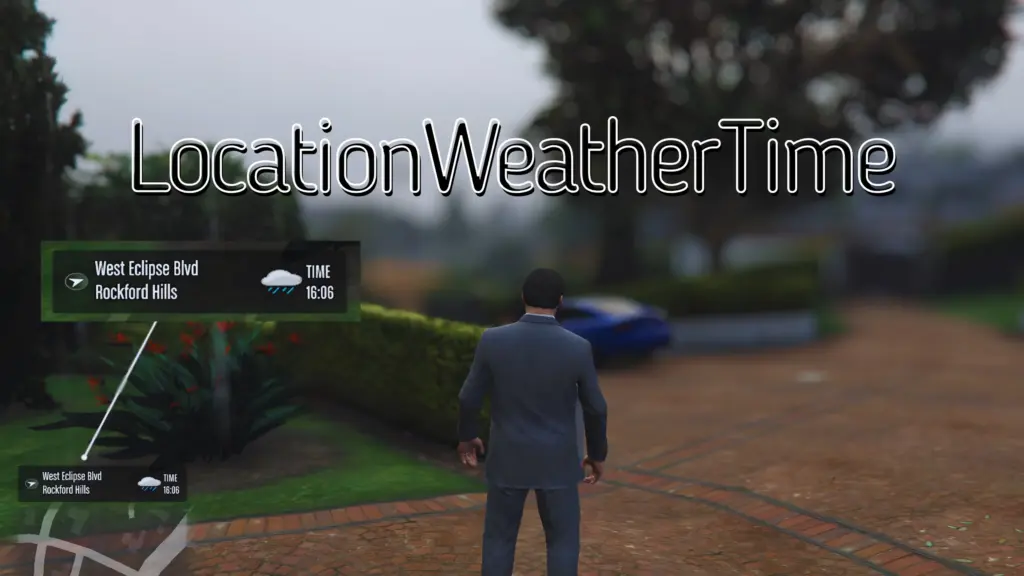
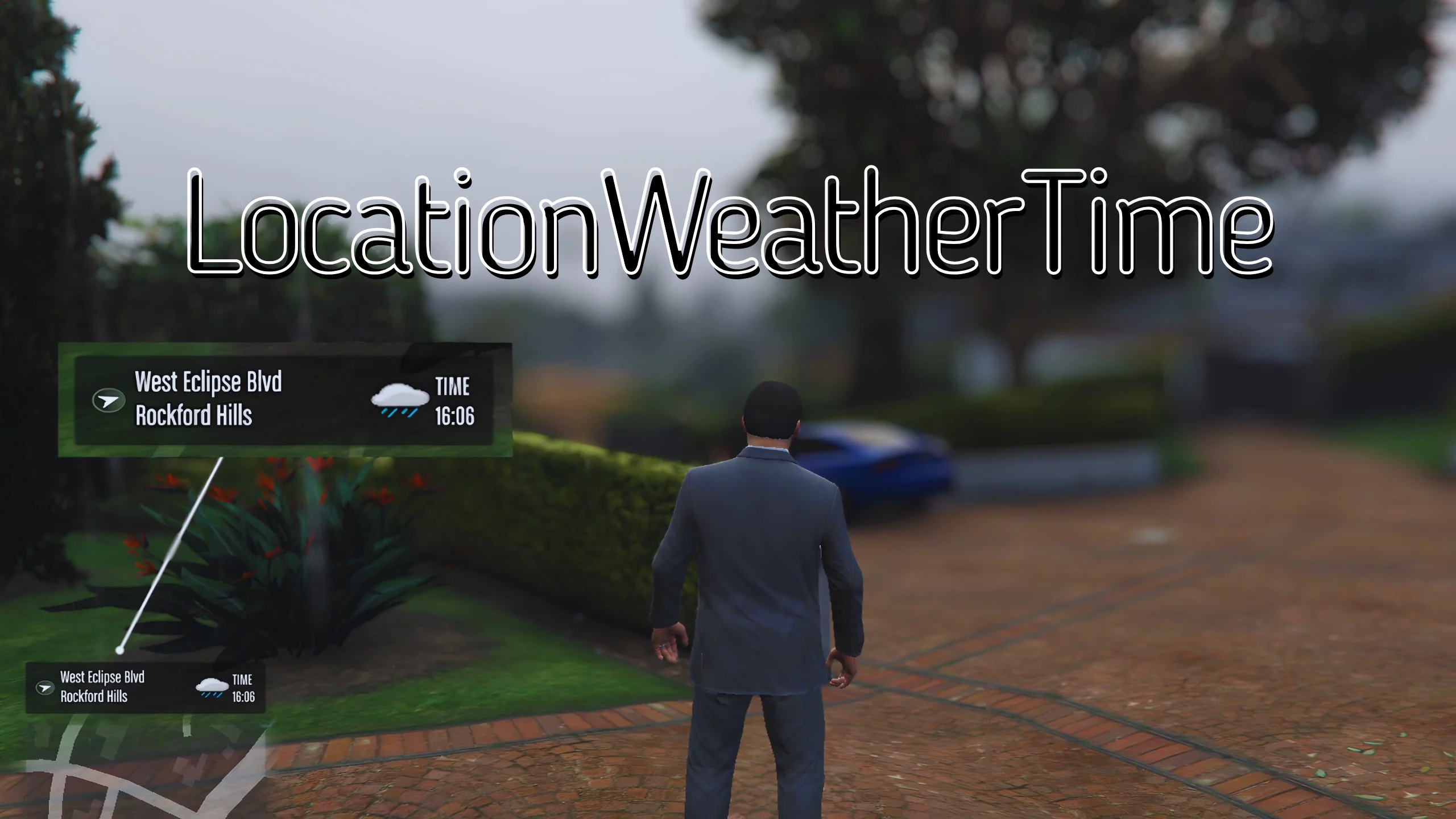
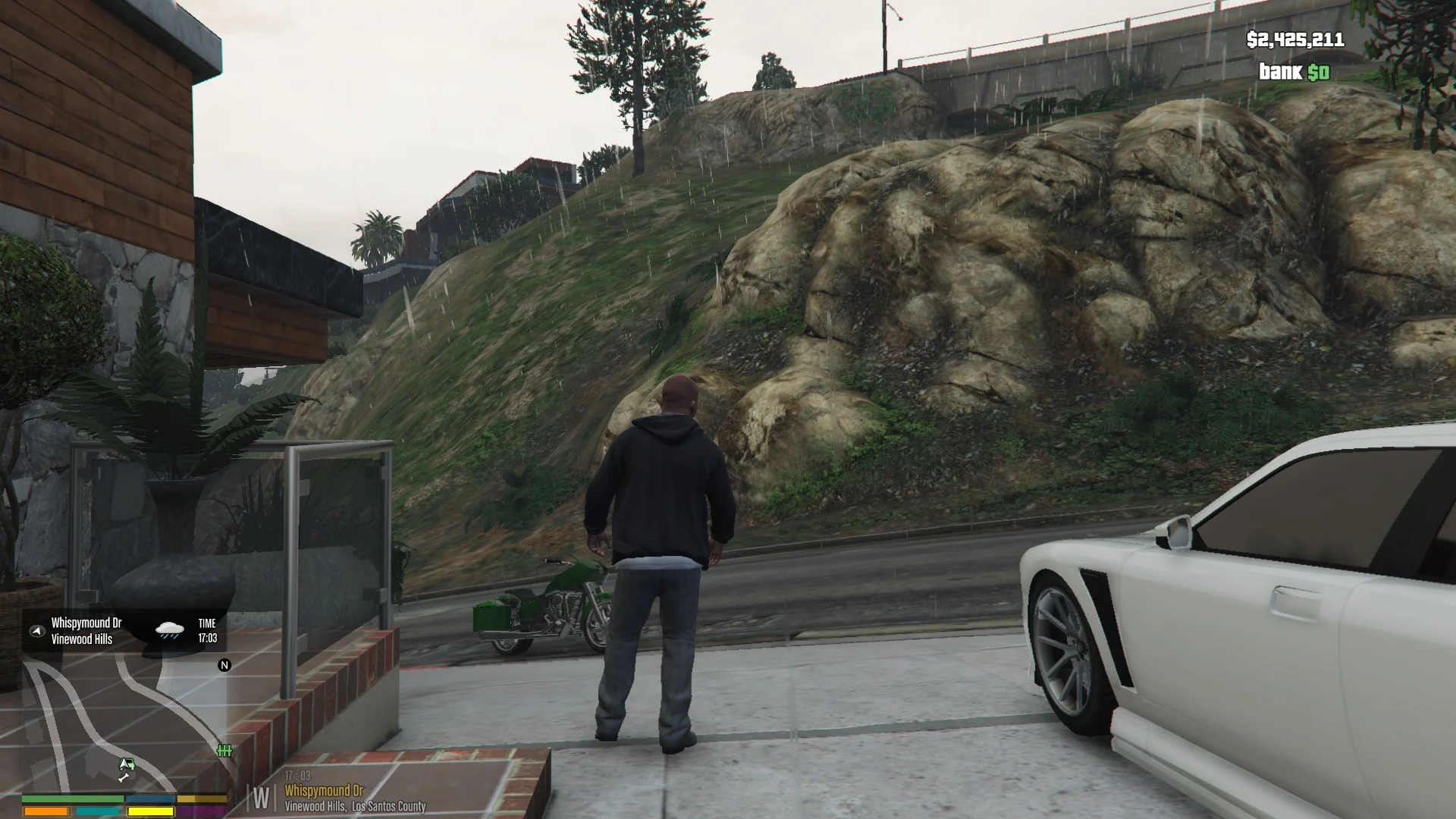
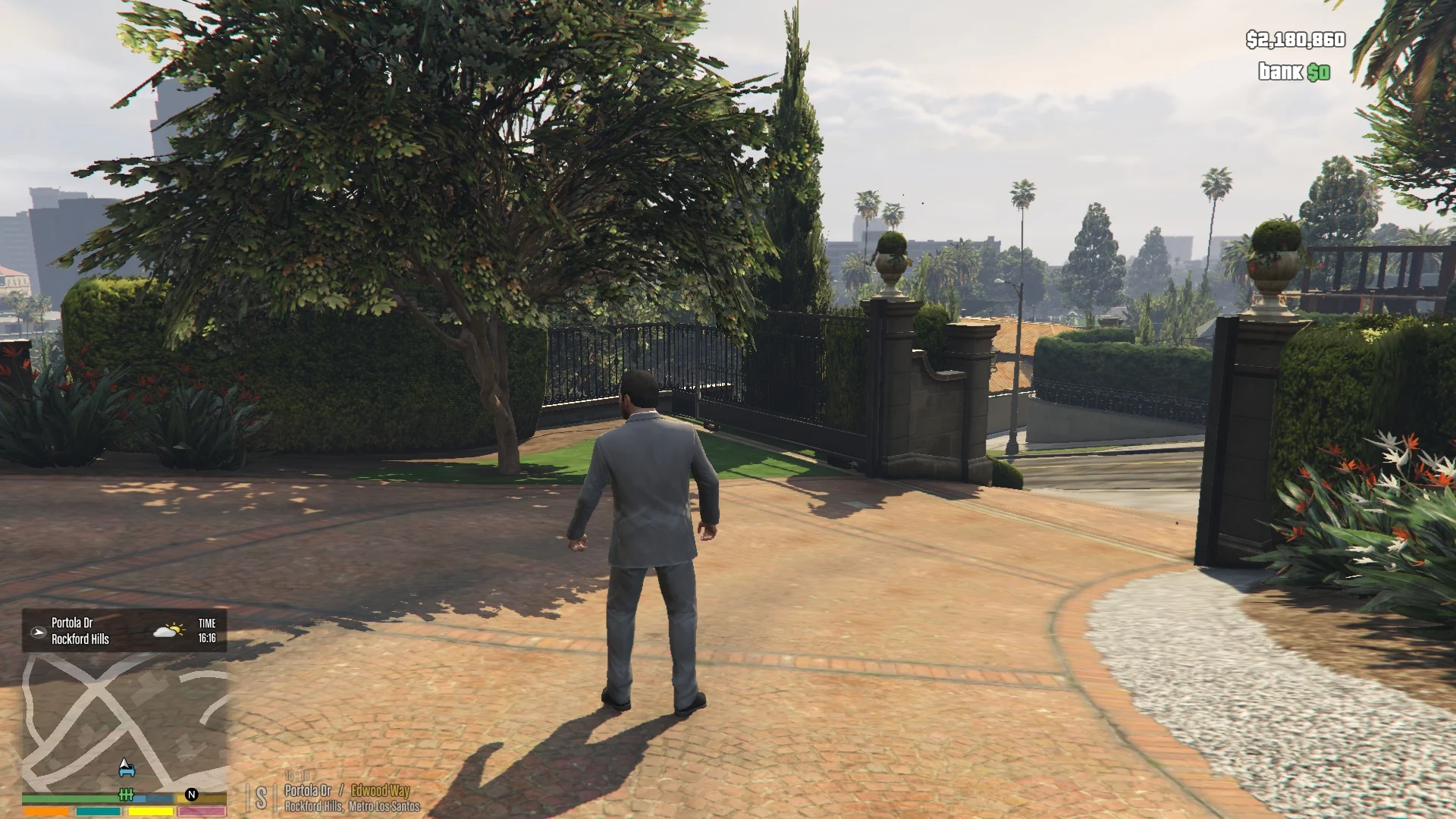
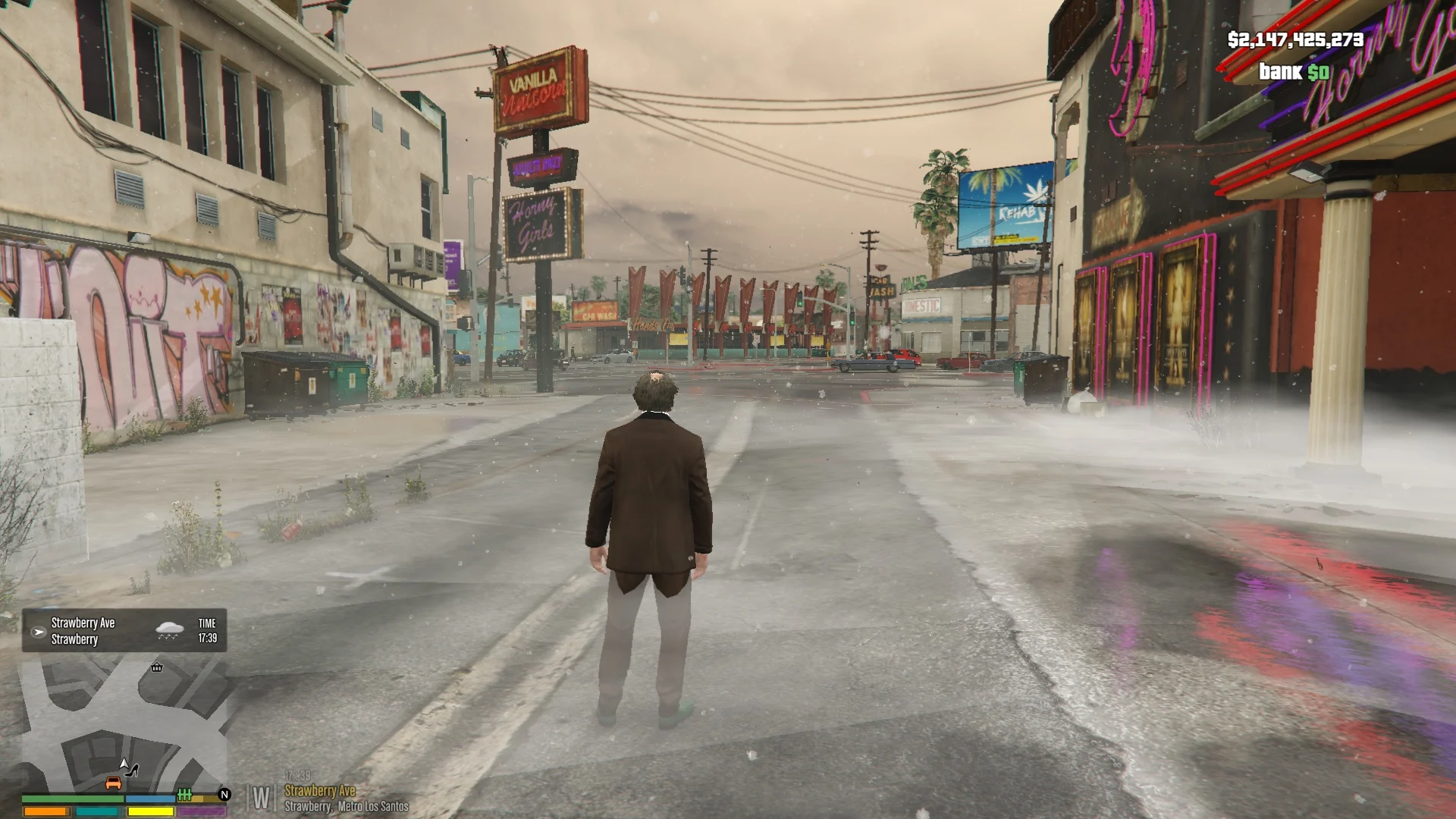
A simple game Location / Weather / Time hud.
Feature
− LocationWeatherTime displays the player’s current in-game location on the screen.
− Location includes street and district name.
− LocationWeatherTime also displays Current Game Weather and time.
Requirements:
Latest ScriptHookVDotNet3 Nightly. if you don’t have it yet.
Installation
− 1. Place the LocationWeatherTime.dll and LocationWeatherTime.pdb files provided in the download inside your scripts folder.
− 2. Put lwt.ytd into this path ‘\mods\update\update.rpf\x64\textures\script_txds.rpf’
− 3. Start your game.
Changelog:
v1.2
– Add a menu that allows users to adjust the position and visibility of every item individually.
– Include a slider control in the menu to fine-tune the position of each item with adjustable sensitivity for precise movements.
– Key is configurable (LocationWeatherTime.ini)
v1.1
– Added Current Game Date
– Show Upcoming Weather Forecast (Key: ‘N’)
– For TextUI (Optional: lwt.ytd)
– A dynamic weather system that automatically transitions between different weather types based on weighted probabilities and customizable time intervals (LocationWeatherTime.ini).
– It includes holiday-themed prop placement, such as festive and Halloween decorations that appear based on the date or user preferences.
– During thunderstorms, a hurricane mode can activate, enhancing the experience with strong winds, heavy rain, lightning, and screen shake effects.
Credits:
MNHC
Download mod
| File | File size |
|---|---|
 LocationWeatherTime v1.2
 | 128 KB |

![Activator Menu (Special Location) 1.1 [ALPHA]](https://gta5mod.net/wp-content/uploads/2019/11/29f7c7-GTA5-2017-05-04-16-43-55-Kopie-150x150.png "Activator Menu (Special Location) 1.1 [ALPHA]")