
EVER (Extended Video Export Revived) is a cutting-edge enhancement tool that unlocks the full potential of Grand Theft Auto V’s Rockstar Editor. Designed for content creators, filmmakers, and machinima artists, EVER delivers studio-quality video exports with unprecedented control over rendering, encoding, and visual effects.
Whether you’re creating YouTube content, cinematic showcases, or professional machinima productions, EVER transforms the native Rockstar Editor into a powerhouse cinematic export platform.
(EVER is a continued fork for the original EVE by Ali Alidoust)
Key Features
Professional Video Quality
High-Resolution Exports – Export videos in resolutions far beyond standard limits
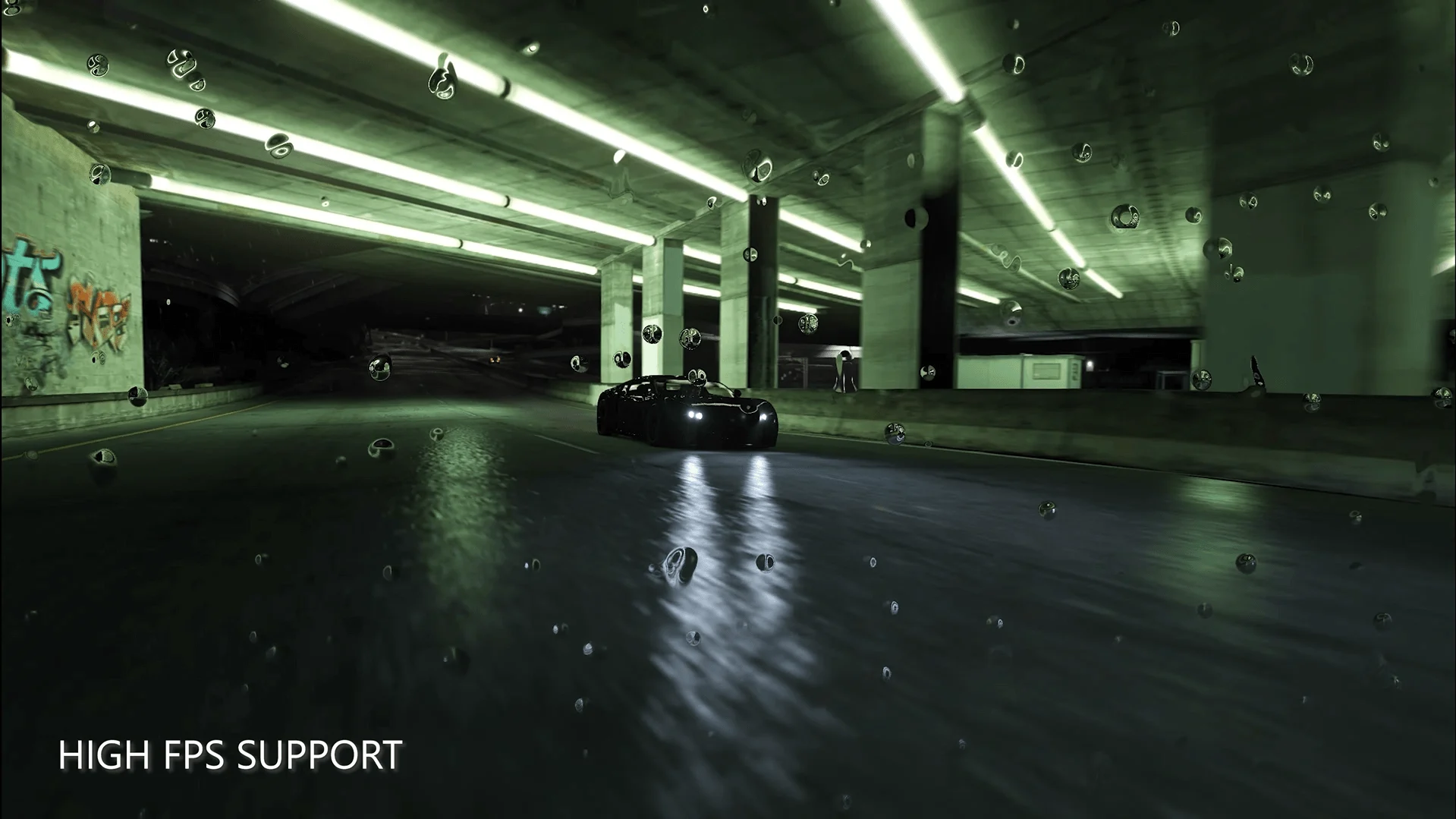
Custom Frame Rates – From silky-smooth 120fps to cinematic 24fps, full control over playback speed
Advanced Encoding – Powered by Voukoder integration for the best codec support
Multiple Format Support – Export to MP4, AVI, MOV, and even professional OpenEXR sequences
Cinematic Enhancement
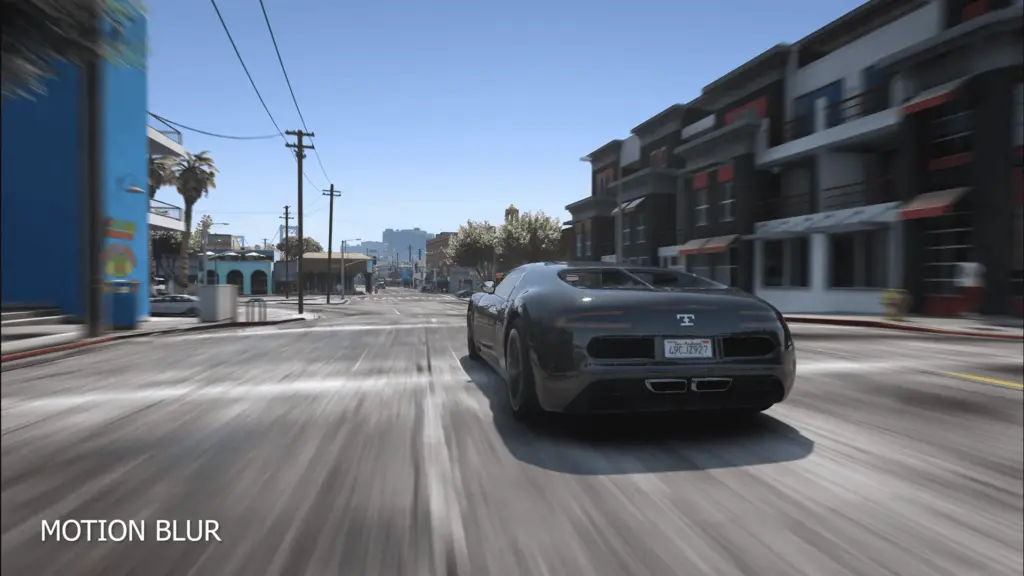
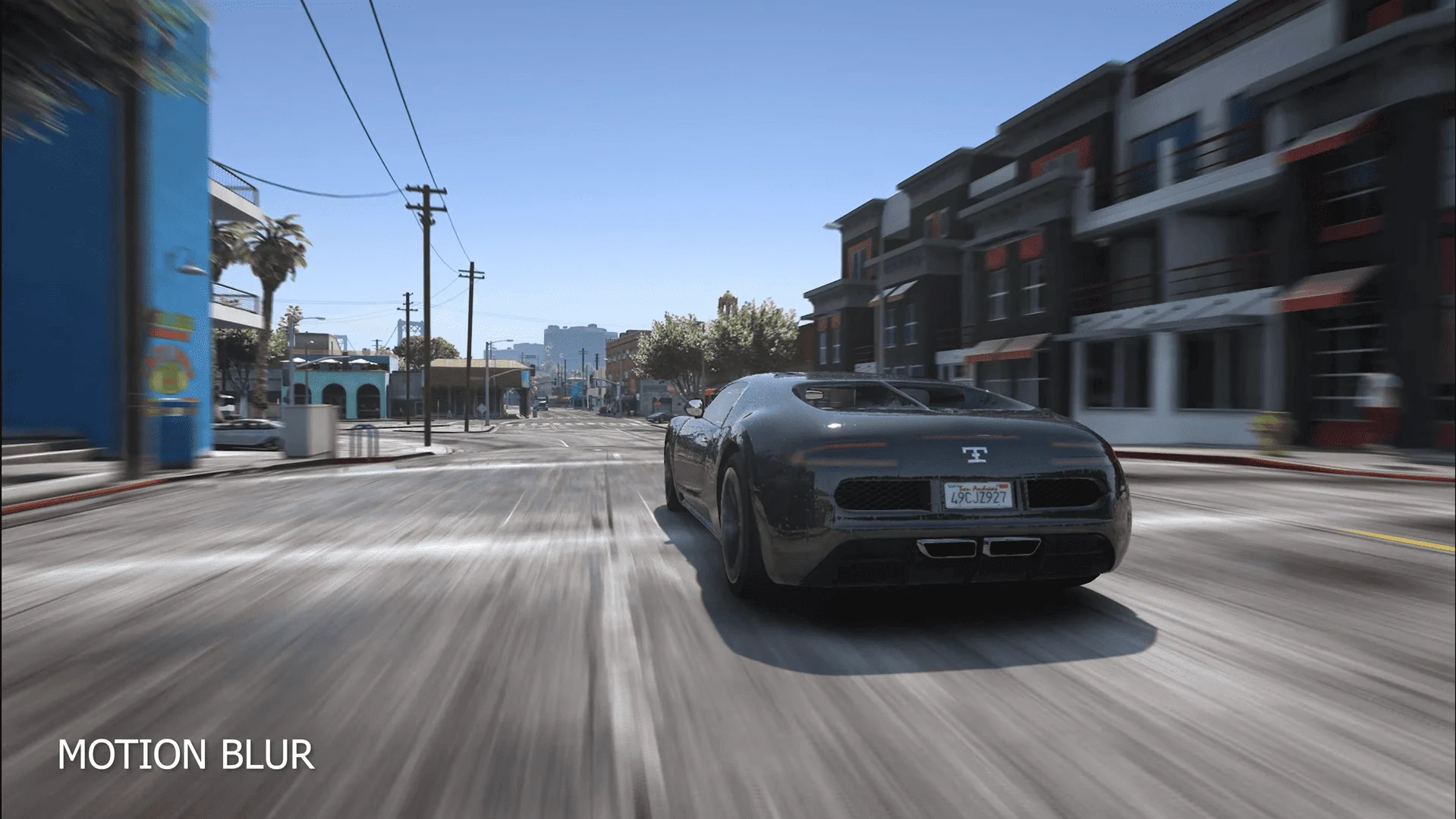
Motion Blur Control – Adjustable motion blur samples and strength for that authentic film look
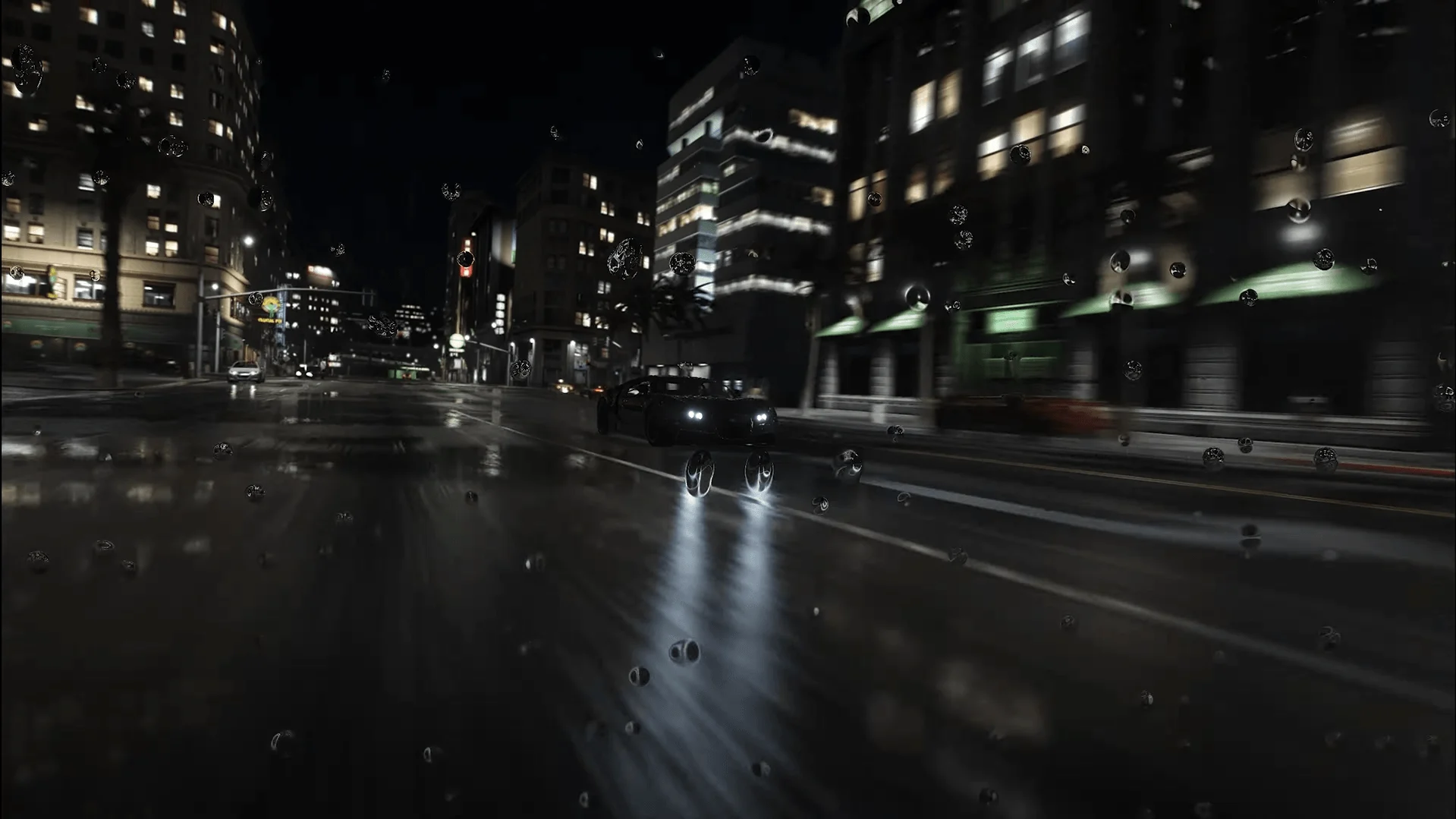
Reshade Integration – Apply advanced post-processing effects, color grading, and filters
Watermark Removal – Export clean, professional footage without Rockstar branding
Advanced Encoding Pipeline – Web optimized, lossless, you have full control with the included configuration tool
Audio-Visual Synchronization
Perfect Audio Sync – Maintains flawless audio synchronization even at high frame rates
Multi-Pass Rendering – Intelligent two-pass system ensures quality and sync accuracy
Dual Format Audio – Support for multiple audio encoders and sample formats
Creator-Friendly Workflow
Easy Configuration – Simple .ini file or in-game ReShade menu for quick adjustments
Auto-Reload Settings – Automatically applies new settings with each export
Custom Output Folders – Organize your exports exactly how you want them
Flexible Logging – Adjustable verbosity for troubleshooting and monitoring
Perfect For
YouTube Content Creators – Produce high-quality GTA V cinematic content that stands out
Machinima Filmmakers – Professional tools for serious storytelling and film production
FiveM Communities – Create promotional videos and server showcases
Gaming Highlights – Export your best moments in stunning quality
Portfolio Work – Professional-grade output suitable for demo reels and portfolios
Why Choose EVER
Community-Driven Development
Sadly the original EVE seems to be abandoned, EVER is actively maintained fork by passionate developers and the modding community. Regular updates ensure compatibility with the latest GTA V patches and FiveM builds.
Open Source Transparency
Built on the Apache 2.0 license, EVER’s source code is fully accessible. Know exactly what’s running on your system, contribute improvements, or customize for your specific needs.
Professional Results, Simple Process
Don’t compromise between quality and ease of use. EVER delivers professional-grade results through an intuitive interface accessible to creators of all skill levels.
Proven Technology
Based on the legendary EVE mod by Ali Alidoust, EVER continues a tradition of excellence while bringing modern improvements and expanded functionality.
Technical Specifications
System Requirements:
Grand Theft Auto V (Latest Version)
Windows 7/8/10/11 (64-bit)
ScriptHookV (for GTA V installation, not needed for FiveM)
ReShade
Voukoder 13.4.1 (can be downloaded from: here install the .msi file)
Supported Platforms:
GTA V (Steam, Rockstar Games Launcher, Epic Games)
FiveM (Latest builds)
Export Capabilities:
Frame Rates: 24fps to 240fps and beyond
Resolutions: Up to your hardware limitations (upscaling through Reshade works too!)
Codecs: H.264, H.265, and more (via Voukoder)
Formats: MP4, AVI, MOV, MKV, OpenEXR sequences
Audio: AAC, MP3, FLAC, PCM, and more
Quick Start
Installation in 3 Easy Steps:
For GTA V:
Install Voukoder, ScriptHookV, and ReShade
Download and extract EVER to your GTA V folder
Launch GTA V and configure settings via Reshade menu or .ini file
For FiveM:
Install Voukoder and Reshade
Unzip and place EVER in the FiveM plugins folder
Launch FiveM and configure your export settings
Customization Options
Fine-tune every aspect of your exports:
FPS Control – Set your target frame rate for perfect pacing
Motion Blur – Adjust samples and strength for authentic film blur
Output Location – Direct exports to any folder on your system
Watermark Toggle – Export with or without Rockstar branding
OpenEXR Support – Export as image sequences for professional post-production
Encoder Settings – Deep control over video and audio codec parameters
Quality & Support
Active Development
Regular compatibility updates
Bug fixes and performance improvements
New feature development based on community feedback
Transparent development process via GitHub
Community Support
Growing community of creators
GitHub issue tracking for bugs and features
Active development team response
Community-driven documentation and tutorials
Note:
EVER is in active development. While fully functional, some features are still being refined. See known issues in documentation for current limitations. Your feedback helps shape the future of this tool!
Credits:
RavenStudios
Download mod
| File | File size |
|---|---|
 EVER-v1.0.7
 | 19 MB |

![VineWorld - The Only Zombies Map You'll Ever Need [Map Editor | YMAP] V1.22](https://gta5mod.net/wp-content/uploads/2023/02/VineWorld-150x150.webp "VineWorld - The Only Zombies Map You'll Ever Need [Map Editor | YMAP] V1.22")
![MC Clip Music Video Mansion Party [Menyoo] 1.0 Beta](https://gta5mod.net/wp-content/uploads/2022/10/MC-Clip-Music-Video-Mansion-Party-150x150.webp "MC Clip Music Video Mansion Party [Menyoo] 1.0 Beta")
