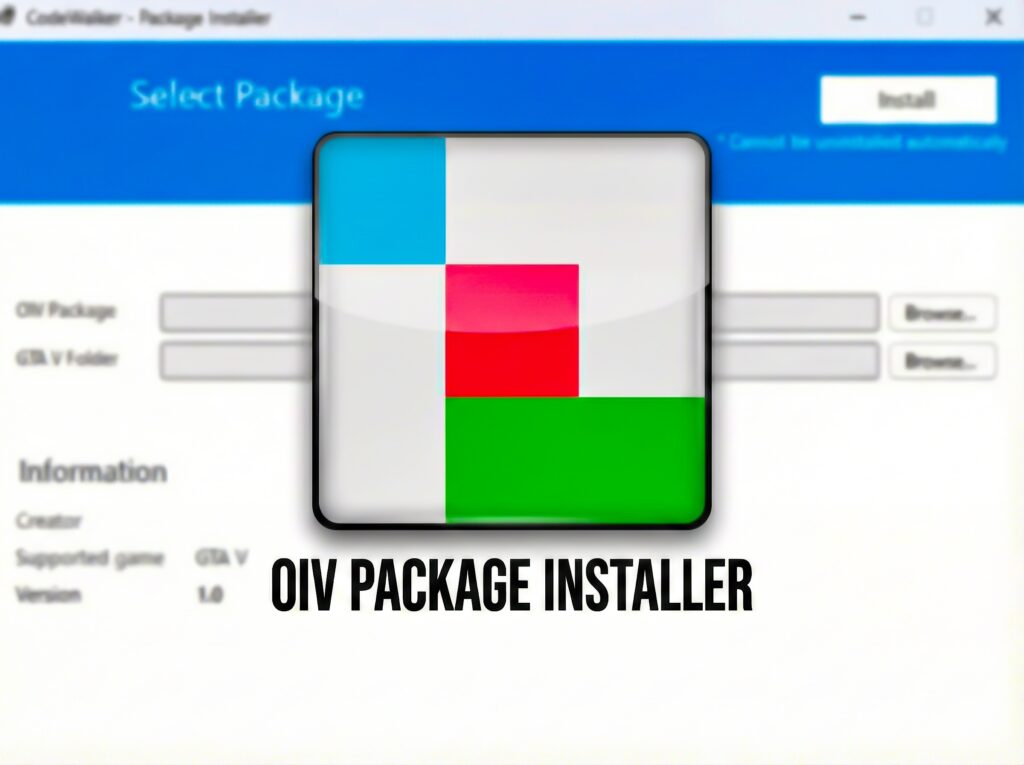
OIV Package Installer is a lightweight alternative to the OpenIV Package Installer. Built on the CodeWalker core, it offers a clean, reliable interface for installing OIV modification packages for Grand Theft Auto V Legacy and Enhanced.
Features:
– Full Compatibility: Works with all existing OIV mods and packages.
– Clean Interface: A familiar UI inspired by OpenIV, providing a clear summary of package metadata.
– Game Support: Fully supports both GTA V Legacy and GTA V Enhanced versions.
– Smart Validation: Automatically validates your game version against the mod’s requirements to prevent compatibility issues.
– Safe & Secure: Properly handles file placement logic, ensuring DLC packs and RPF modifications are correctly installed to your mods folder.
Requirements:
To ensure your mods folder works correctly, you must have the appropriate mods loader installed:
– GTA V Legacy: Requires OpenIV.asi
– GTA V Enhanced: Requires OpenRPF.asi
Important Note:
Please ensure the mod you are installing is compatible with your game version. Legacy mods cannot be installed on GTA V Enhanced, and Enhanced mods cannot be installed on GTA V Legacy. Installing incompatible mods will cause your game to crash.
How to Use:
1. Launch CodeWalker.OIVInstaller.exe.
2. Select your .oiv package file.
3. Select your GTA V game folder.
4. Click Install and wait for the process to complete.
For Mod Creators:
The installer validates the <gameversion> tag in assembly.xml to ensure your mod is installed on the correct game version.
To enforce game version validation, add the <gameversion> tag to your assembly.xml file inside the <package> element.
Example for Enhanced Edition:
<gameversion>enhanced</gameversion>
Example for Legacy Edition:
<gameversion>legacy</gameversion>
Changelog:
1.2 – Added complete support for OpenIV Package Format 2.2 (Text, XML, PSO, Archive editing). Introduced Smart Uninstall to revert specific lines/nodes instead of restoring full files. Added full support for Add-on DLCs with clean uninstallation. Check “Docs” inside the app to see all supported features and todo list.
1.3 – Fixed .ytd file corruption after uninstalling mods via Manage Mods, added install/uninstall log files inside game folder, added better theme support & better stylized installation terminal output.
1.4 – Added CLI version of the app, supports automated .bat scripted mod installations & uninstallations. Batch examples can be found inside our Github source code project
All commands available in Docs -> User Guide.
1.5 – Improved CLI version of the app, advanced logic of install & uninstall mods via CLI with much more safety checks. Added Batch Examples into an archive so you can create your own CLI mod installer based on OIV Package Installer.
1.6 – Added FiveM Mods Auto Install (Experimental), improved PSO/META file editing, added more flags to CLI version of the app.
1.6.1 – Fixed metadata file parsing by trimming UTF-8 BOM.
1.6.2 – OIV Package Installer now ships as a self-contained single .exe file, without need to have net8 installed on your PC. Also fixed duplication ApplyXmlAddOperatio skips for meta files.
1.7 – New animations, skip backup UI option, RageOpenIV.asi support and other small fixes.
1.8 – Updated UI, animations, assembly.xml install instructions preview feature and other small fixes.
1.9 – You are now able to install DLC Addons that comes without .oiv package, just drag and drop either a folder that contain dlc.rpf, or dlc.rpf itself inside OIV Package Installer and it will be automatically installed and added into dlclist.xml. Added a new “DLC Add-ons” Tab inside “Manage Mods” menu, allowing you to disable/enabled DLC addons without editing dlclist.xml manually, and other small changes to the app.
Credits:
CoreFX & CodeWalker
Download mod
| File | File size |
|---|---|
 OIVPackageInstaller
 | 64 MB |
![Airbus A320 Family IAE Engines package [Add-On | Package I Liveries]](https://gta5mod.net/wp-content/uploads/2020/11/Airbus-A320-Family-IAE-Engines-package-150x150.png "Airbus A320 Family IAE Engines package [Add-On | Package I Liveries] 1.1")
![Boeing 737 ultimate package [Add-On | Package I Liveries]](https://gta5mod.net/wp-content/uploads/2021/02/Boeing-737-ultimate-package-150x150.png "Boeing 737 ultimate package [Add-On | Package I Liveries] v1.3")
![Douglas DC-8 Ultimate Package [Add-On | Package I Tuning I Liveries] 1.1](https://gta5mod.net/wp-content/uploads/2021/03/Douglas-DC-8-Ultimate-Package-150x150.png "Douglas DC-8 Ultimate Package [Add-On | Package I Tuning I Liveries] 1.1")
![Add On Vehicle(s) Installer Base [OIV]](https://gta5mod.net/wp-content/uploads/2019/08/Add-On-Vehicle.png "Add On Vehicle(s) Installer Base [OIV]")