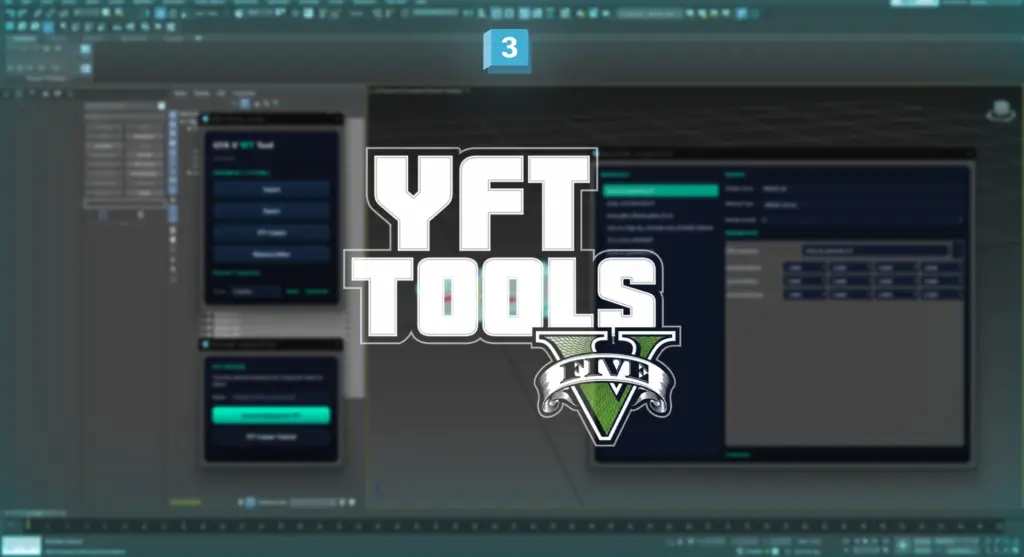
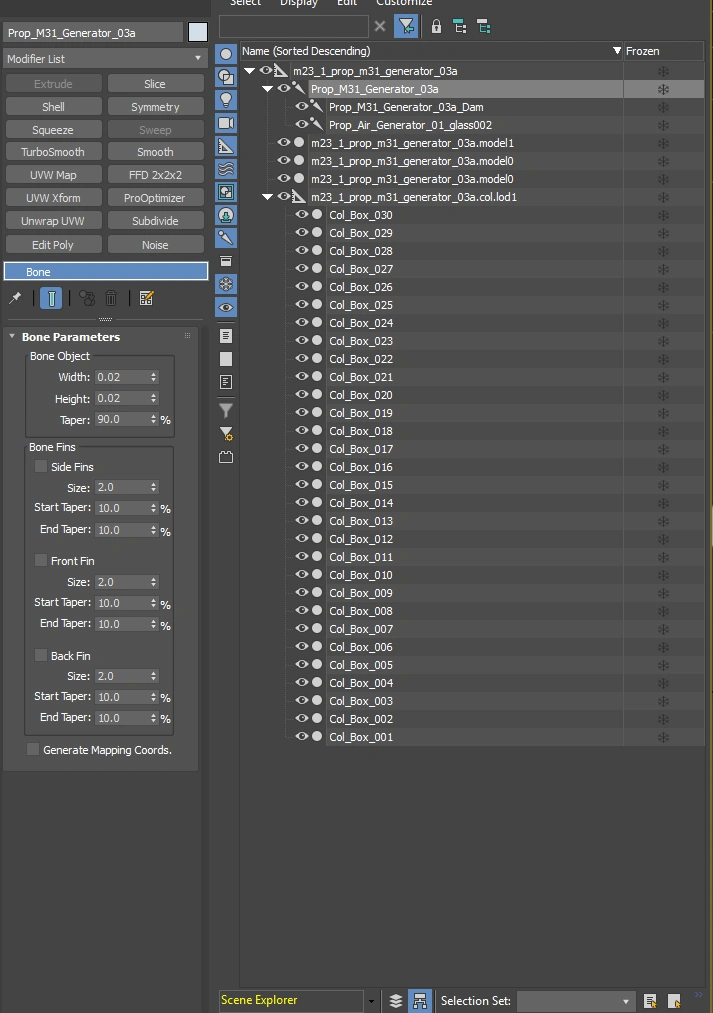
The GTA V YFT Tool is built for modders who create and edit GTA V fragments (.yft), vehicles, and props in Autodesk 3ds Max. It provides a simple workflow for importing, editing, and exporting YFT files while preserving the original fragment data for clean, game-ready results.
Powered by CodeWalker’s .yft.xml format, the tool keeps important data such as physics, skeletons, glass, and cloth intact, updating only the geometry you modify.
Features
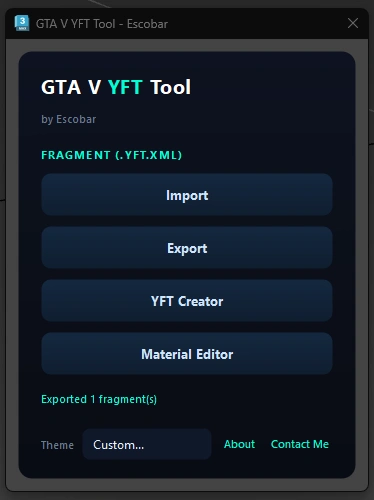
Import and export GTA V YFT files.
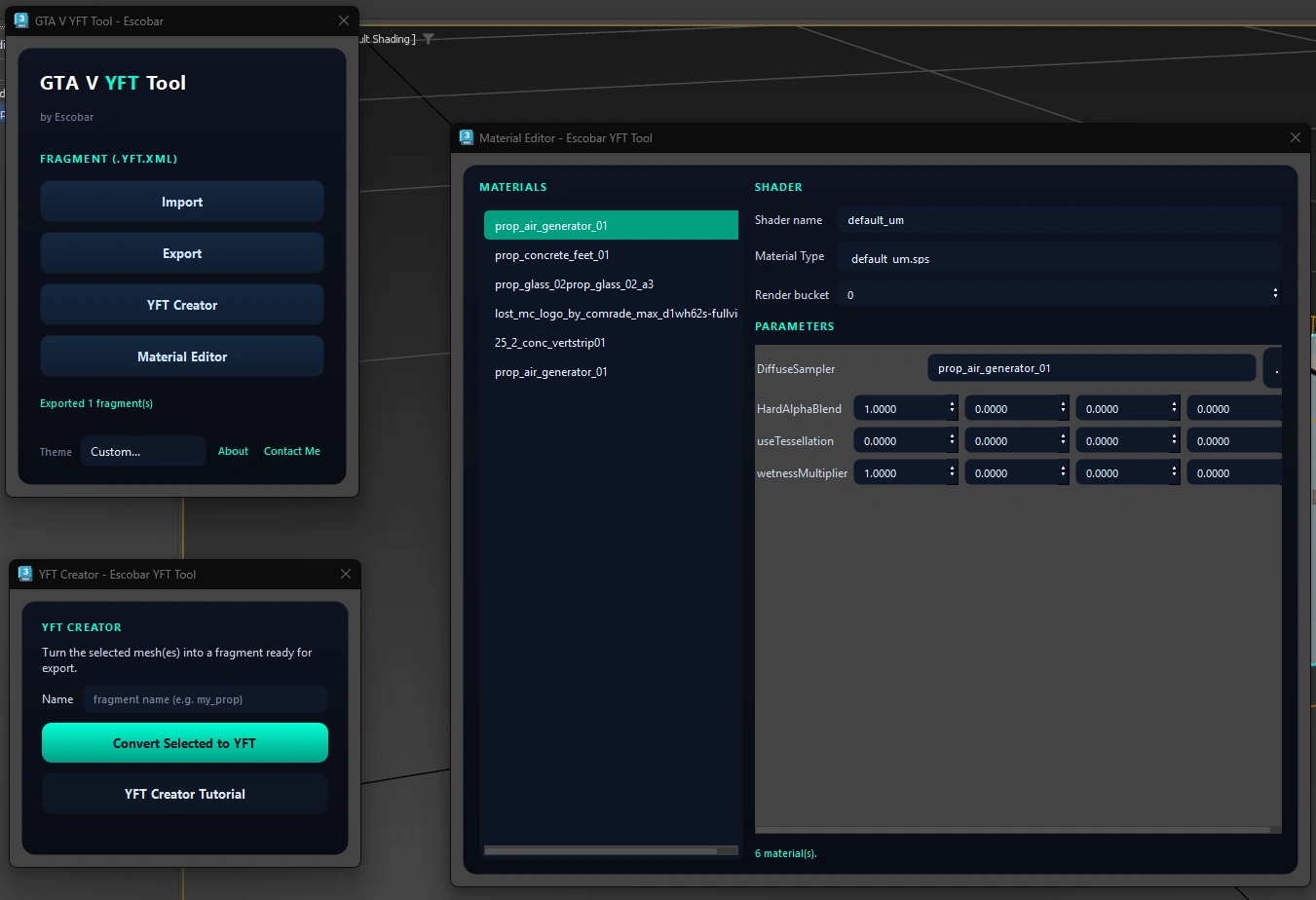
Material Editor with support for GTA V .sps shaders.
YFT Creator to quickly build new fragments from your models.
How to Use
Export your .yft as a .yft.xml using CodeWalker RPF Explorer.
Open the tool from the Utilities tab in 3ds Max and click Import.
Edit your fragment as you would any normal 3ds Max scene. Use the Material Editor to change shaders and textures.
When you’re finished, select the fragment root and click Export.
Import the exported .yft.xml back into your RPF archive using CodeWalker.
Done! Your fragment is now ready to use in GTA V.
Installation
Extract the downloaded ZIP file.
Drag install.ms into the 3ds Max viewport.
That’s it, You will find it in the Utilities Menu.
Requirements
Autodesk 3ds Max 2021-2026.
CodeWalker
GIMS Evo
YFT Creator
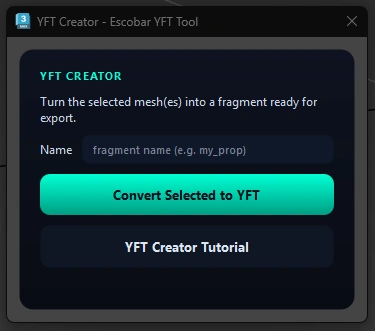
The YFT Creator lets you quickly convert your 3ds Max models into GTA V fragments with just a few clicks. It automatically creates the required fragment structure, making it easy to prepare your model for export.
A simple step-by-step tutorial is included with the tool guiding you through the entire process so you can get started quickly whether you’re creating your first fragment or already have experience with GTA modding.
Credits:
EscobarV
Download mod
| File | File size |
|---|---|
 Escobar_YFT_Tool
 | 195 KB |