
Requirements
1. “ScripthookV”
2. “OpenIV”
How to Install
1. Install “ScripthookV” & “OpenIV”.
2. Extract “BIKE” rar/zip file.
3. Go to “OpenIV” and Enable “edit mode”. Install all “ASI Managers” and it will create a “mods” folder in your “GTA 5” folder. If you already have a “mods” folder skip this step.
4. Minimize “OpenIV” and go to “GTA 5” folder via “My computer/This PC”. Copy “x64e” RPF to “mods” folder.
5. Go to “OpenIV – mods\x64e.rpf\levels\gta5\vehicles.rpf\”. Drag and drop all files in “BIKE\MOD FILES” folder to that.
6. Run “GTA 5”.
Credits:
“Alexander Blade” for “ScripthookV”
“OpenIV team” for “OpenIV”
Download mod
| File | File size |
|---|---|
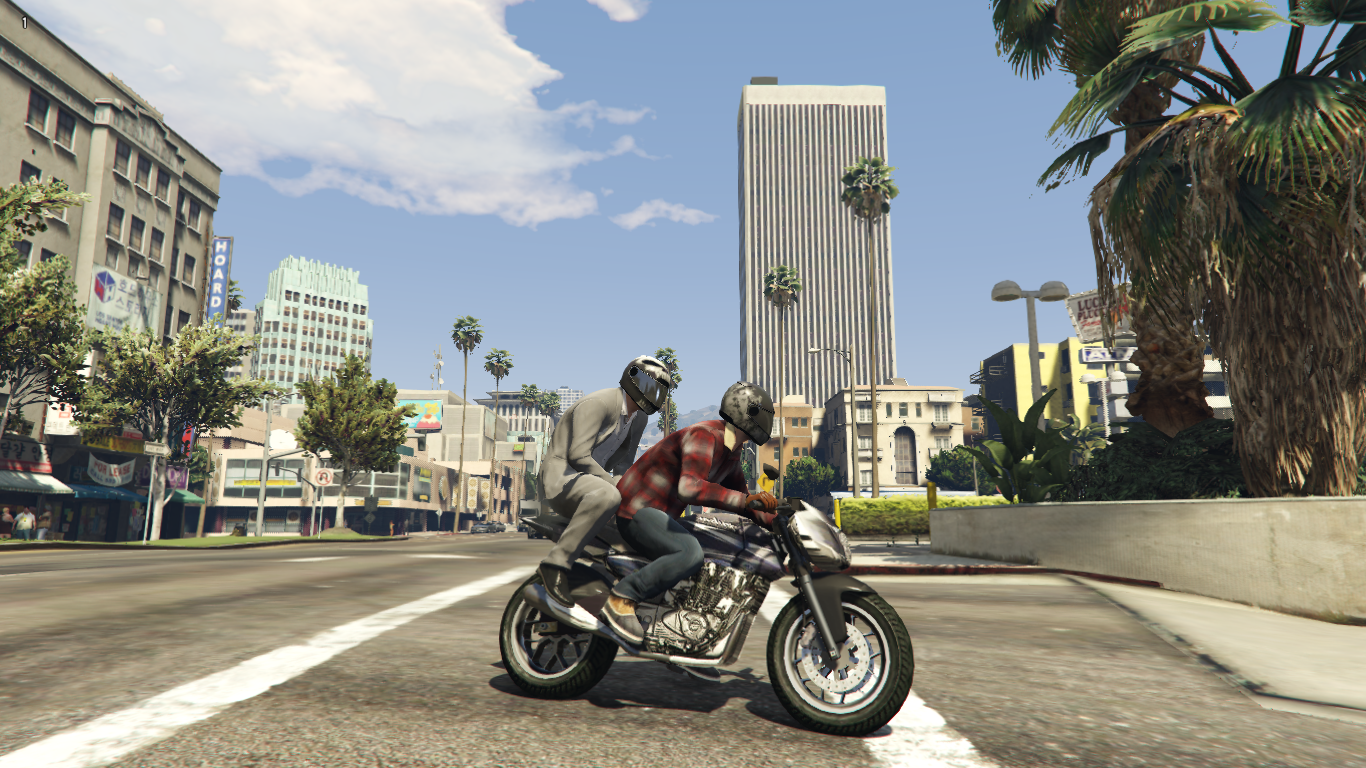
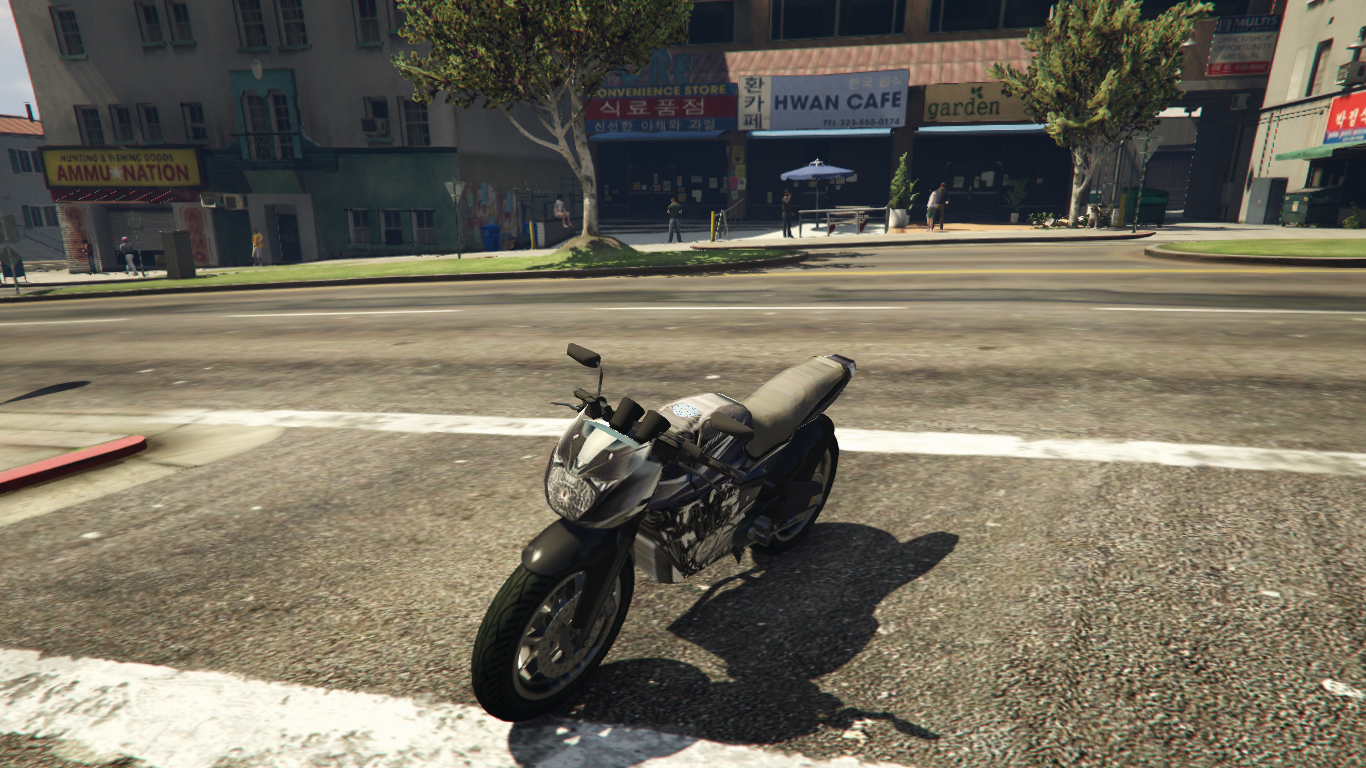
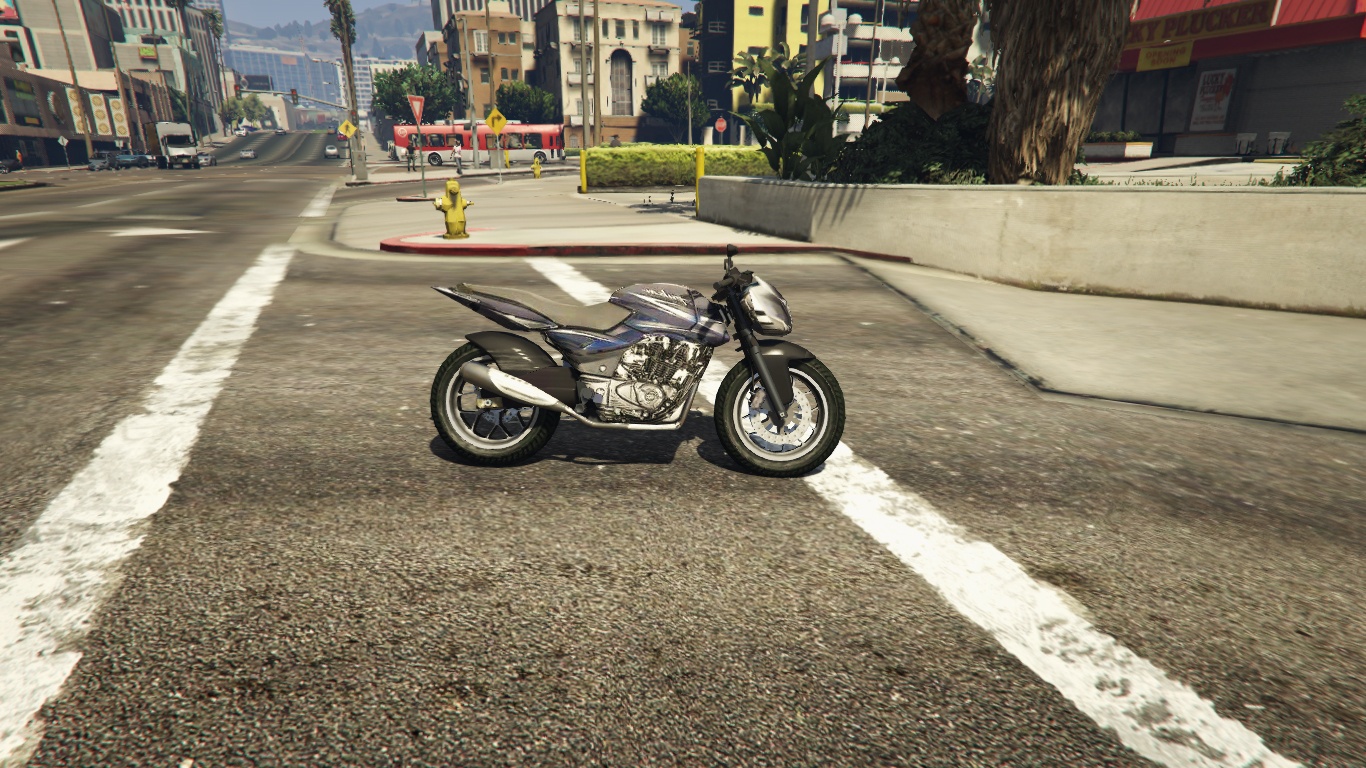
 BIKE
BIKE | 12 MB |
![Nissan Silvia S15 Spec-R [Add-On | 150+ Tuning | RHD | Template] 1.0](https://gta5mod.net/wp-content/uploads/2019/10/Nissan-Silvia-S15-Spec-R.jpg "Nissan Silvia S15 Spec-R [Add-On | 150+ Tuning | RHD | Template] 1.0")
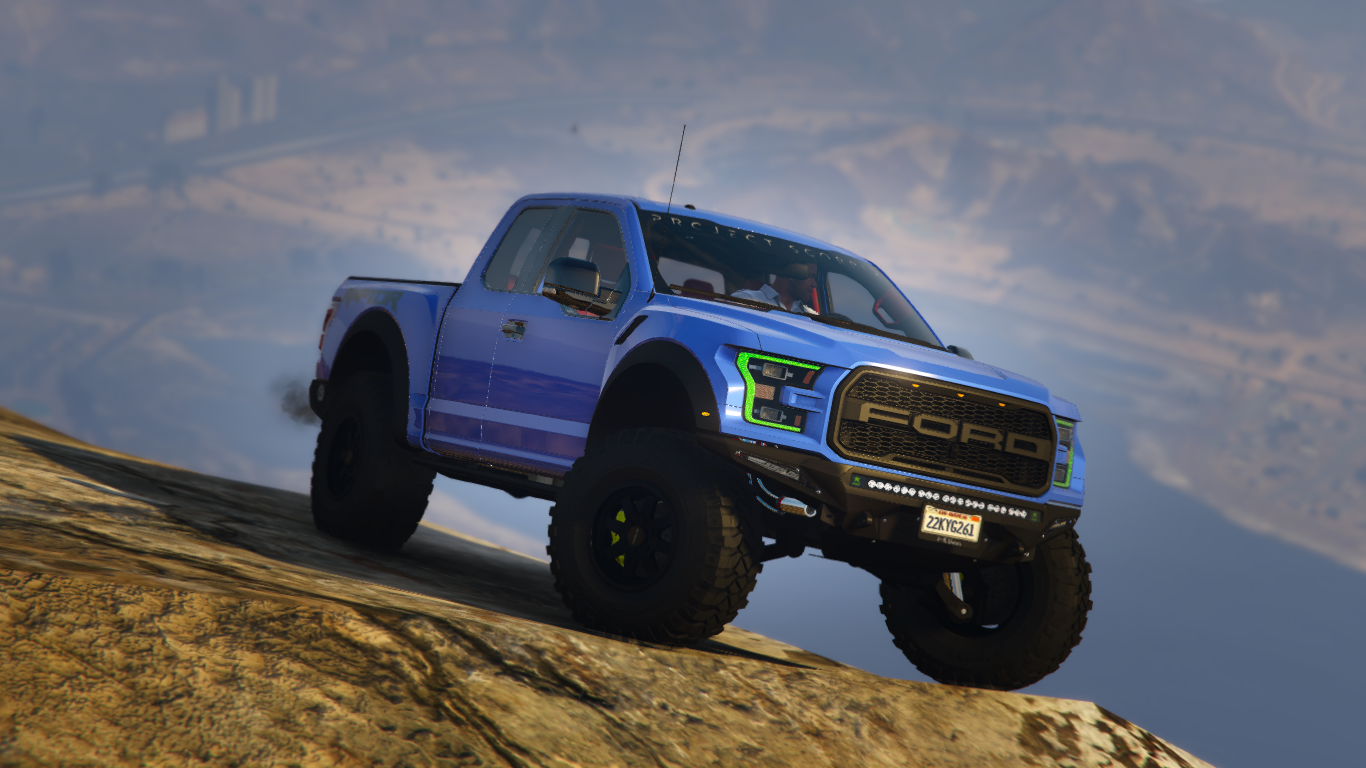
![2017 Ford F-150 Raptor [Add-On] 1.0](https://gta5mod.net/wp-content/uploads/2020/10/2017-Ford-F-150-Raptor-150x150.jpg "2017 Ford F-150 Raptor [Add-On] 1.0")
![Fan 150 Mix [Add-On] [Replace] 1.0](https://gta5mod.net/wp-content/uploads/2021/06/Fan-150-Mix-150x150.jpg "Fan 150 Mix [Add-On] [Replace] 1.0")
