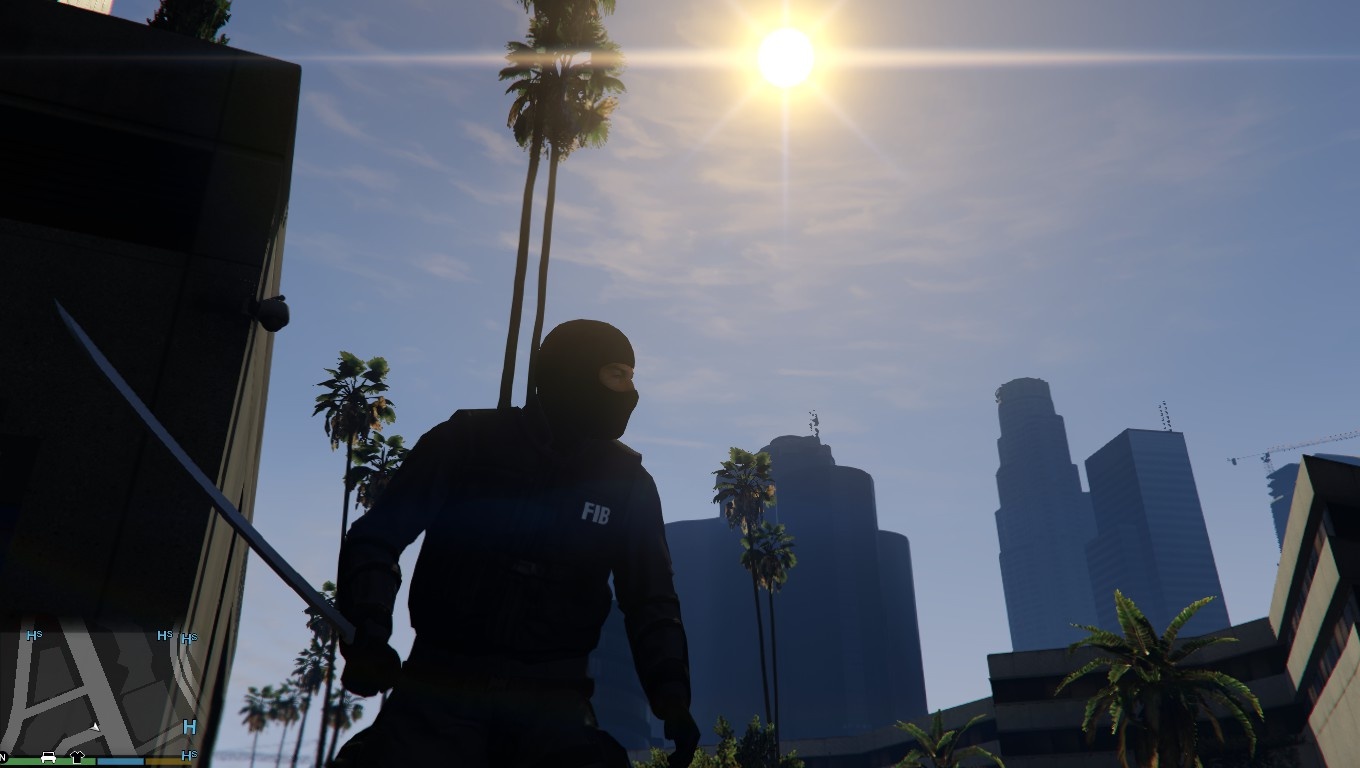
![Exotic beach [MapEditor] 1.0](https://gta5mod.net/wp-content/uploads/2021/01/Exotic-beach.jpg)
![Exotic beach [MapEditor] 1.0](https://gta5mod.net/wp-content/uploads/2021/01/Exotic-beach2.jpg)
![Exotic beach [MapEditor] 1.0](https://gta5mod.net/wp-content/uploads/2021/01/Exotic-beach4.jpg)
![Exotic beach [MapEditor] 1.0](https://gta5mod.net/wp-content/uploads/2021/01/Exotic-beach5.jpg)
![Exotic beach [MapEditor] 1.0](https://gta5mod.net/wp-content/uploads/2021/01/Exotic-beach3.jpg)
the map includes
1.Exotic beach
2.no errors
3.little weight
4.instructions
Map Editor you need To install this mod.
(Installation)
Drag and drop (Exotic beach) to your GTA V Directory (you’ve installed the map)
To spawn this map. 1:Prees F7 2:prees Load map xml 3. type name:”Exotic beach” DONE
for the map to spawn automatically you need to Create an “AutoloadMaps” folder in the GTA 5 / Scripts location and then add My map “Exotic beach” to this
folder.
Credits:
SIREZ
Download mod
| File | File size |
|---|---|
 Exotic beach
 | 3 KB |
![Vespucci Beach DJ Concert [MapEditor] 1.0](https://gta5mod.net/wp-content/uploads/2020/11/Vespucci-Beach-DJ-Concert-150x150.jpg "Vespucci Beach DJ Concert [MapEditor] 1.0")
![Beach Mansion [MapEditor] 1.0](https://gta5mod.net/wp-content/uploads/2021/05/Beach-Mansion.webp "Beach Mansion [MapEditor] 1.0")
![Galaxy Party at the Beach [MapEditor] V1.0](https://gta5mod.net/wp-content/uploads/2023/01/Galaxy-Party-at-the-Beach-150x150.webp "Galaxy Party at the Beach [MapEditor] V1.0")