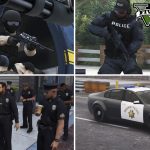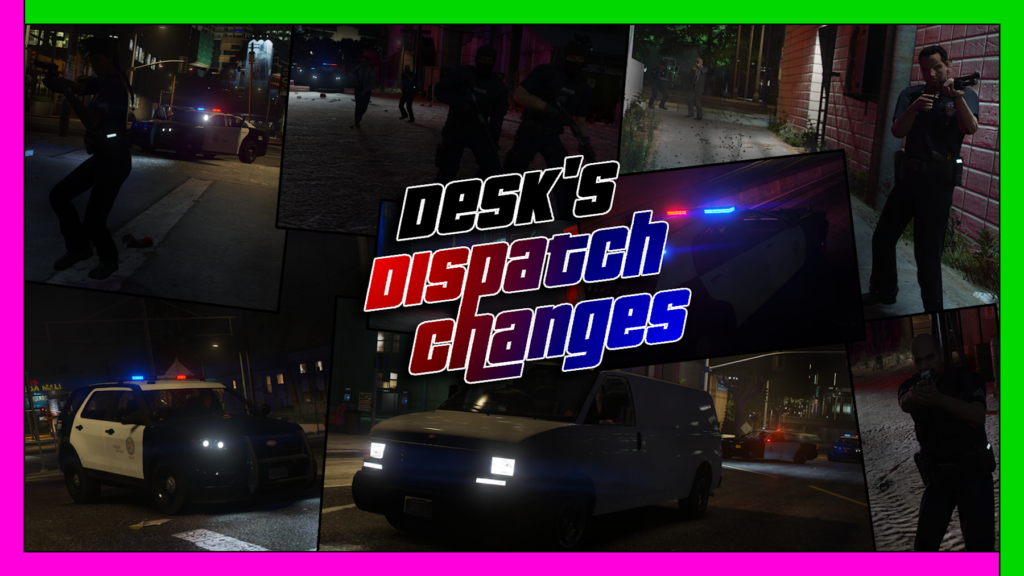
Desk’s Dispatch Changes is lore friendly mod that changes some features of the police system like :
1. Police now can arrest you above (1 Star)
2. There is a Wanted radius now. You need to get out of it to escape.
3. Wanted Level changes at the City:
(1-2 Stars) LSPD Chases after you.
(3 Stars) Police Helicopter is going to follow you around.
(4 Stars) The NOoSE will come after you.
(5 Stars) The FIB and NOoSE will come.
4. Wanted Level changes at Blaine County:
(1-2 Stars) LSSD Chases after you.
(3 Stars) Police Helicopter is going to follow you around.
(4 Stars) There will not be Swat at Blaine County so the Sheriff will Chase you.
(5 Stars) The Military will come after you.
Requirements:
Open IV
Script Hook V
Gameconfig.xml
HeapAdjuster
Packfile Limit Adjuster
Install Requirements
1. Open (OpenIVSetup.exe) and follow the instructions.
2. In OpenIV click on [Tools] tab and then click on [ASI Manager] and then install [ASI Loader] and [OpenIV.ASI]
3. Drag and drop (ScriptHookV.dll) and (dinput8.dll) from the (ScriptHookV.zip) to your root GTA5 folder.
4. Drag and drop (gameconfig.xml) to [Grand Theft Auto V/mods/update/update.rpf/common/data]
5. Drag and drop (HeapAdjuster.asi) and (HeapAdjuster.ini) from the (HeapAdjuster.zip) to your root GTA5 folder and set the Heap size from (HeapAdjuster.ini) to [2048]
6. Drag and drop (PackfileLimitAdjuster.asi) and (PackfileLimitAdjuster.ini) from the (PackfileLimitAdjuster.zip) to your root GTA5 folder.
Install OIV Mod
In OpenIV click on [Tools] tab and then click on [Package Installer] and then find (mod name here.oiv)
!NOTE! If you install other Mods make sure to install (Desk’s Dispatch Changes.oiv) as the last mod.
Credits:
Deskius
Download mod
| File | File size |
|---|---|
 Desks_Dispatch_Changes_2.0
 | 70 MB |