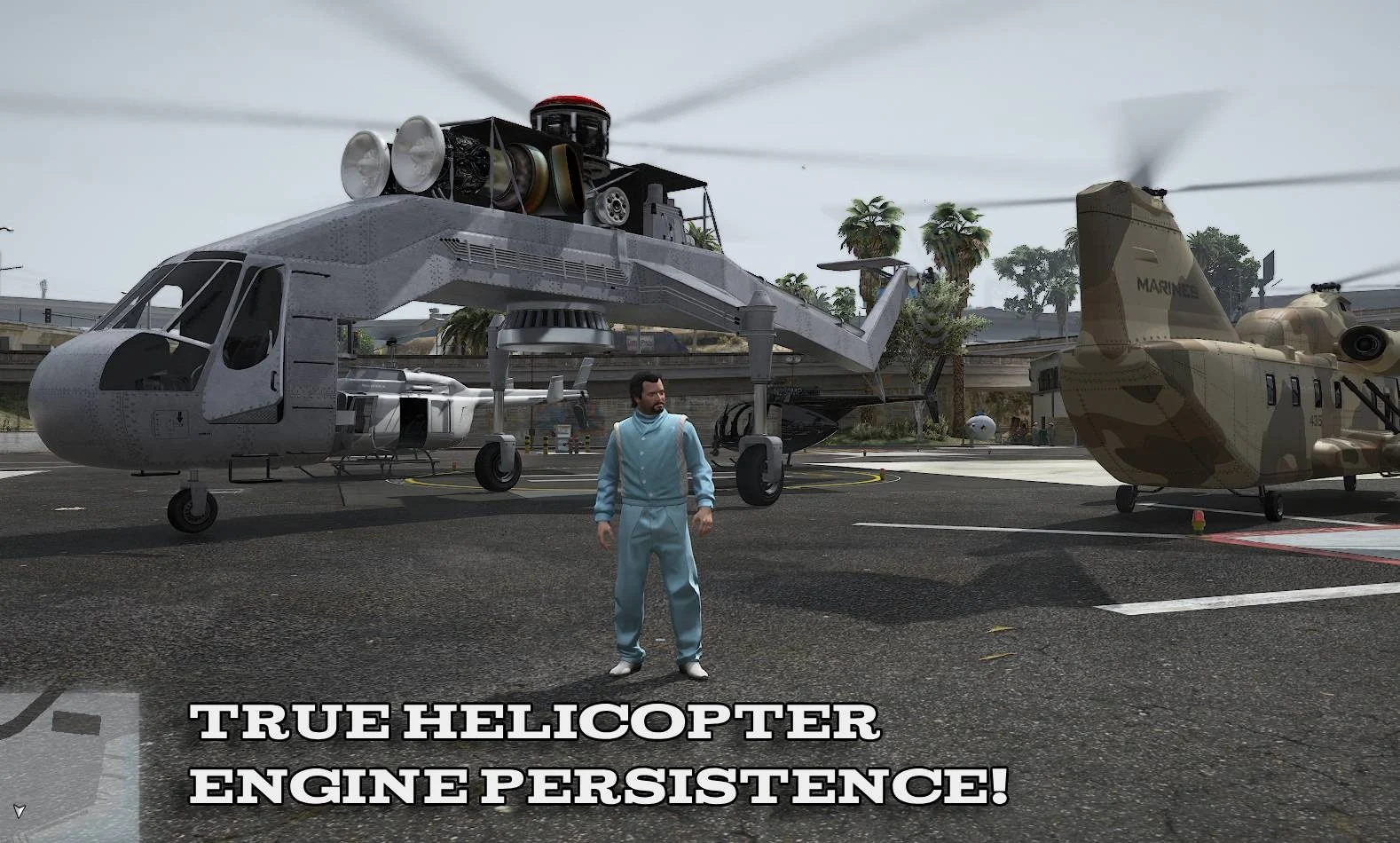
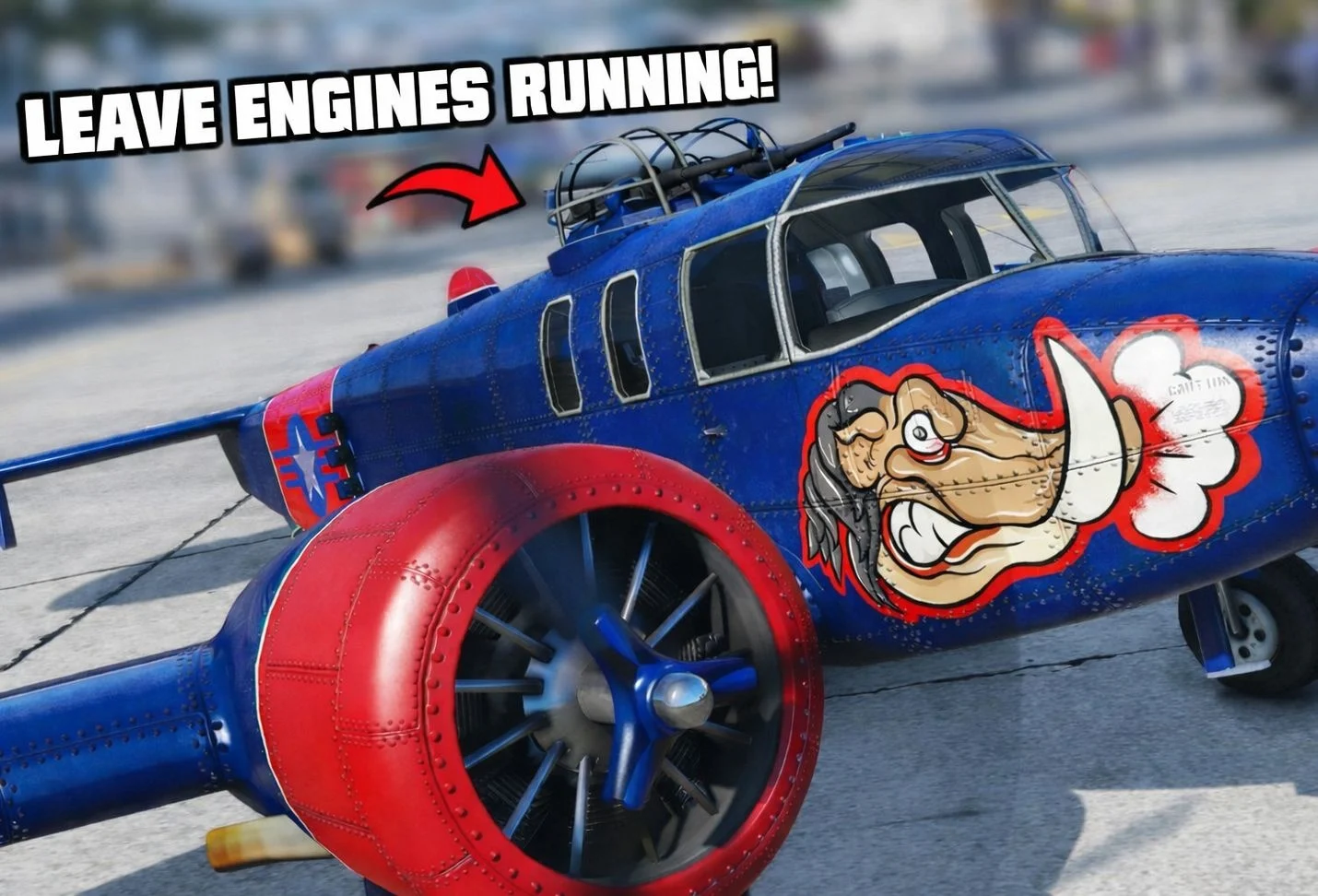
ScriptHookVDotNet mod that gives players full control over vehicle engine behavior across all vehicle types. By default, GTA V auto-starts and auto-shuts engines during enter/exit animations. This mod overrides these behaviors using native-level logic, allowing engines to persist while giving the player manual authority over engine state. Aircraft, helicopters, and ground vehicles are all supported.
Every feature is modular and fully configurable via INI.
[ NOTE ]
Plane engine persistence is experimental and not recommended use in a regular play through. This is planned to change with future updates.
[ FEATURES ]
– Prevents engines from shutting off when exiting vehicles
– Blocks GTA Vs automatic engine startup that works across all supported vehicle classes
– Eliminates RPM/audio dips during enter/exit animations
– Toggle vehicle engines on/off via hotkey that optionally includes animations
– Does not interfere with default controls unless enabled
– Includes native fail-safe handling (won’t crash your game)
– Optional in-game notification when the mod loads
– Tracks vehicle engine state per entity
– Troubleshooting debug logging (if enabled)
[ Configuration Options ]
All features are configurable via: EngineStateManager ini
You can fully customize behavior without touching code.
Changes only apply on next script reload.
[ REQUIREMENTS ]
– Latest ScriptHookV
Enhanced:
– Latest ScriptHookVDotNet v3 Enhanced
Legacy:
– Latest ScriptHookVDotNet v3 Nightly
[ INSTALLATION ]
– Install ScriptHookV and ScriptHookVDotNet v3
– Place EngineStateManager.dll & EngineStateManager.ini into your GTA V/scripts/ folder
– (Optional) Edit EngineStateManager.ini to customize behavior
– Enjoy
[ Known Issues ]
Planes engine persistence works, but it has lots of inconsistencies that I haven’t been able to fix yet. EXITING a plane with the engine running (whether it’s a Jet or Prop plane) briefly dips engine RPM then picks the rpm back up again. Same goes for ENTERING a plane that has it’s engine running. Jet planes don’t idle at they’re idle speed when exiting them.
Natively prop planes are impossible to keep running when exiting them (unless a prop plane rotor hash exists but has been hidden by rockstar), so I’ve decided to do a temporary work around by spawning an invisible ped in the prop plane the player was last in to keep the engine idling.
These are the main reasons that the ‘EnablePlanePersistence’ ini option is false by default.
Changelog:
Update v1.2.0
– Added controller support that uses GTA ‘s control mapping.
– Expanded the keybinding system to include full Virtual-Key (VK) mapping, enabling support for all keyboard and mouse inputs.
– Added per-vehicle animation detection to keep things immersive and avoid direction mistakes.
– Added animation flip prevention to prevent wonky animations.
– Added a safeguard routine that blocks automatic motorcycle helmet equip until the engine startup animation sequence has fully completed.
– Reworked the engine override bus into a multi-owner arbitration bus instead of a single global ‘last writer wins’ slot providing better compatibility with other scripts.
– Attempted a fix to prevent vehicles from shutting down when exiting via shuffling through passenger seat.
(Exiting while shuffling with the engine running is inconsistent. I don’t think it will fully possible to completely patch this issue with SHVDN.)
Update v1.1.0
– Added options to PROPERLY enable/disable aircraft stalling
– Added proper vehicle tracking based on engine state
– Updated aircraft tracking and distance tracking behavior (Also added the ability to disable these options)
– Attempted patch on the rpm and engine dips when entering/exiting an aircraft with engine persistence initiated
– ‘MaxDistanceToTrack’ ini option now applies to all vehicles instead of just aircrafts
– Fixed conflicting toggle states with the EngineToggleKeys
– Fixed legacy assembly error “Unable to resolve API version 3.9.0” by switching ScriptHookVDotNet api versions
– Updated in game notification
– Other quality of life improvements.
Credits:
Nochala
Download mod
| File | File size |
|---|---|
 EngineStateManager_1.2.0
 | 30 KB |
![Toggle Night/Thermal Vision (+ scope-only mode) [LUA] 1.3.3](https://gta5mod.net/wp-content/uploads/2019/12/0de5ac-aa8cb3-Untitled-1-150x150.jpg "Toggle Night/Thermal Vision (+ scope-only mode) [LUA] 1.3.3")