Required:
– ScripthookVDotNet
– AsiLoader
Installation:
Put all the files into the “scripts” folder
Default Controls:
– Shift + Z: Open menu
Customize keys in .ini or Settings
(You can remove the Menu Toggle key by setting it as ex: MENU_KEY = None
in the .ini so that you dont accidentally open the menu)
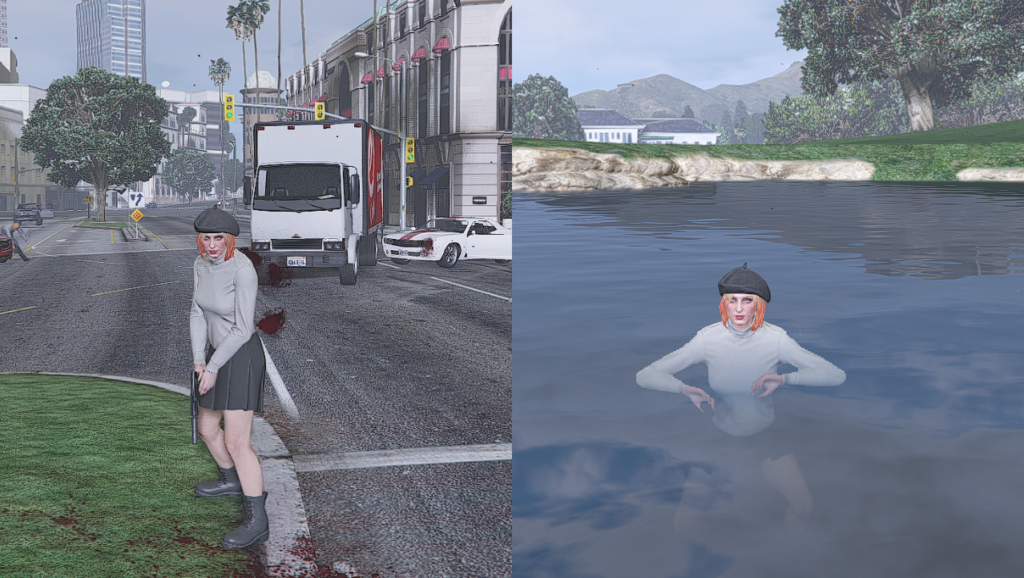
Untick the boxes to disable Blood, Bruises, Wetness.
Features:
– Toggle Blood
– Toggle Damage Decals (Bruises,etc…)
– Toggle Wetness
Credits:
M_DayM0zart_2
Download mod
| File | File size |
|---|---|
 BloodWet
 | 36 KB |
![Toggle Night/Thermal Vision (+ scope-only mode) [LUA] 1.3.3](https://gta5mod.net/wp-content/uploads/2019/12/0de5ac-aa8cb3-Untitled-1-150x150.jpg "Toggle Night/Thermal Vision (+ scope-only mode) [LUA] 1.3.3")