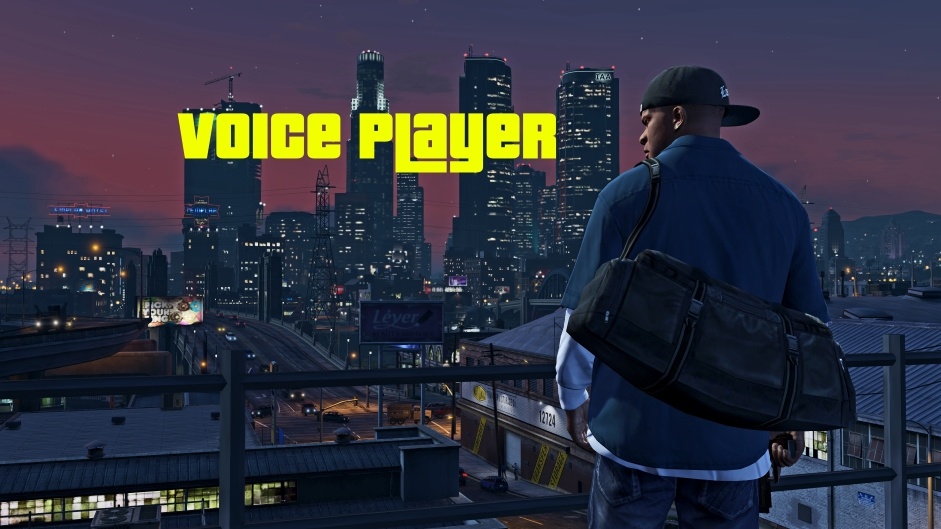
This is the standalone Voice Player script that is originally included in the CW The Flash DLC by OBE Studio
This script allows the user to play a random .mp3 and/or .wav file for any specific ped model at the press of a button.
Default controls: E on keyboard, Dpad-Right on controller (configurable in settings.ini).
Possible Control Names. The default is “Talk”.
Volume is configurable; ranges from 0 to 1.
In the settings.ini, ALLOW SPEECH TO BE INTERRUPTED allows the ped to stop talking and forces the current-playing sound to stop when the ped goes into ragdoll or suffers any injury.
Requirements:
ScripthookV
ScripthookV.NET
Installation:
Extract the included “scripts” folder to your GTA V installation directory; merge folders if necessary.
How to add your own .mp3 and/or .wav voice clips:
Navigate to the \scripts\Voice Player\ folder.
Create a new folder with the same name as the ped model spawn name you would like to configure. Ex: Franklin’s ped model spawn name is “player_one”. There are sample folders and voice clips for Franklin and Michael already included.
Inside the folder you created, add the .mp3 and/or .wav files you would like to use for that ped.
In the game, change your player model to the model you just configured and press the voice button (default: E on keyboard, Dpad-Right on controller).
Changelog:
1.2
– Combat Audio Logic Improved (No more Audio When Firing a weapon without a valid target)
– Aim Audio Will only Play when wanted level is less than 3 (Same as protagonists Franklin/Micheal/Trevor)
1.1
– Added Car Jacking Responses.
Credits:
stillhere
Download mod
| File | File size |
|---|---|
 PlayerVoice-V1.2
 | 8 MB |
|
PlayerVoice V1.1 | 8 MB |
|
VoicePlayer | 225 KB |

![Driver's Paradise Remastered [Single Player | FiveM] Single Player](https://gta5mod.net/wp-content/uploads/2021/03/Paradise-Remastered-150x150.jpg "Driver's Paradise Remastered [Single Player | FiveM] Single Player")